WordPress plugins are incredibly useful.
They add functionality without writing code. They solve problems quickly. They save time.
But there is a version of this that goes wrong.
A plugin for every problem. A plugin for every feature. A plugin for every small thing that feels like it needs fixing.
At some point the plugins stop being the solution. They become the problem.
The Plugin First Mindset
Most WordPress users develop a plugin first mindset without realising it.
Something needs doing. The instinct is to search for a plugin.
Sometimes that instinct is right. A well built plugin from a reputable developer is often the most efficient solution.
But sometimes that instinct leads to installing something heavy, bloated, or unnecessary when a much simpler solution already exists.
Signs You Are Using a Plugin When You Should Not Be
These are the situations where a plugin is often the wrong choice.
- You install a full plugin just to add one small feature you need once
- Your theme or page builder already has the feature built in
- WordPress core already handles the function natively
- The plugin adds several features you will never use just to give you the one you need
- A few lines of code in your functions file would do the same job cleanly
In each of these cases the plugin adds weight, potential conflicts, and maintenance overhead without adding real value.
Real Examples of Plugin Overuse
These are common situations where plugins are regularly used when they should not be.
Adding a Simple Button or Banner
Many people install a full notification or banner plugin to add one announcement to their homepage.
Most page builders handle this natively. A simple widget or block does the job without adding another plugin to maintain.
Basic SEO Redirects
Some sites install a dedicated redirect plugin to handle one or two URL changes.
For simple redirects a few lines in the htaccess file or a built in theme option often handles this without any plugin at all.
Adding Social Share Buttons
Social sharing plugins are one of the most commonly installed plugins on WordPress sites.
Many of them load scripts on every page even when there are no posts to share. The performance cost is real and the alternatives built into most modern themes are often just as effective.
Custom CSS Changes
Installing a plugin to add a small amount of custom CSS is unnecessary.
WordPress has a built in custom CSS editor in the Customizer. It handles small styling changes without any plugin required.
What to Do Instead
Before installing any plugin it is worth asking a few honest questions.
- Does my theme or page builder already do this
- Does WordPress core already handle this natively
- Can this be done with a small amount of custom code instead
- Am I installing an entire plugin just to use one small feature
- Will this plugin be maintained and updated long term
If the answer to any of these questions points away from a plugin it is worth exploring the alternative first.
When Plugins Are Absolutely the Right Choice
This is not an argument against plugins. They are one of the greatest strengths of WordPress.
Plugins are the right choice when the functionality genuinely requires it, when the plugin is actively maintained, when no native solution exists, and when the performance and security trade off is worth the benefit.
- A well built contact form plugin for complex form requirements
- A dedicated SEO plugin for full technical SEO control
- A WooCommerce plugin for eCommerce functionality
- A security plugin for active monitoring and protection
- A backup plugin for automated reliable backups
These are situations where a plugin earns its place on your site.
The Real Cost of the Wrong Plugin
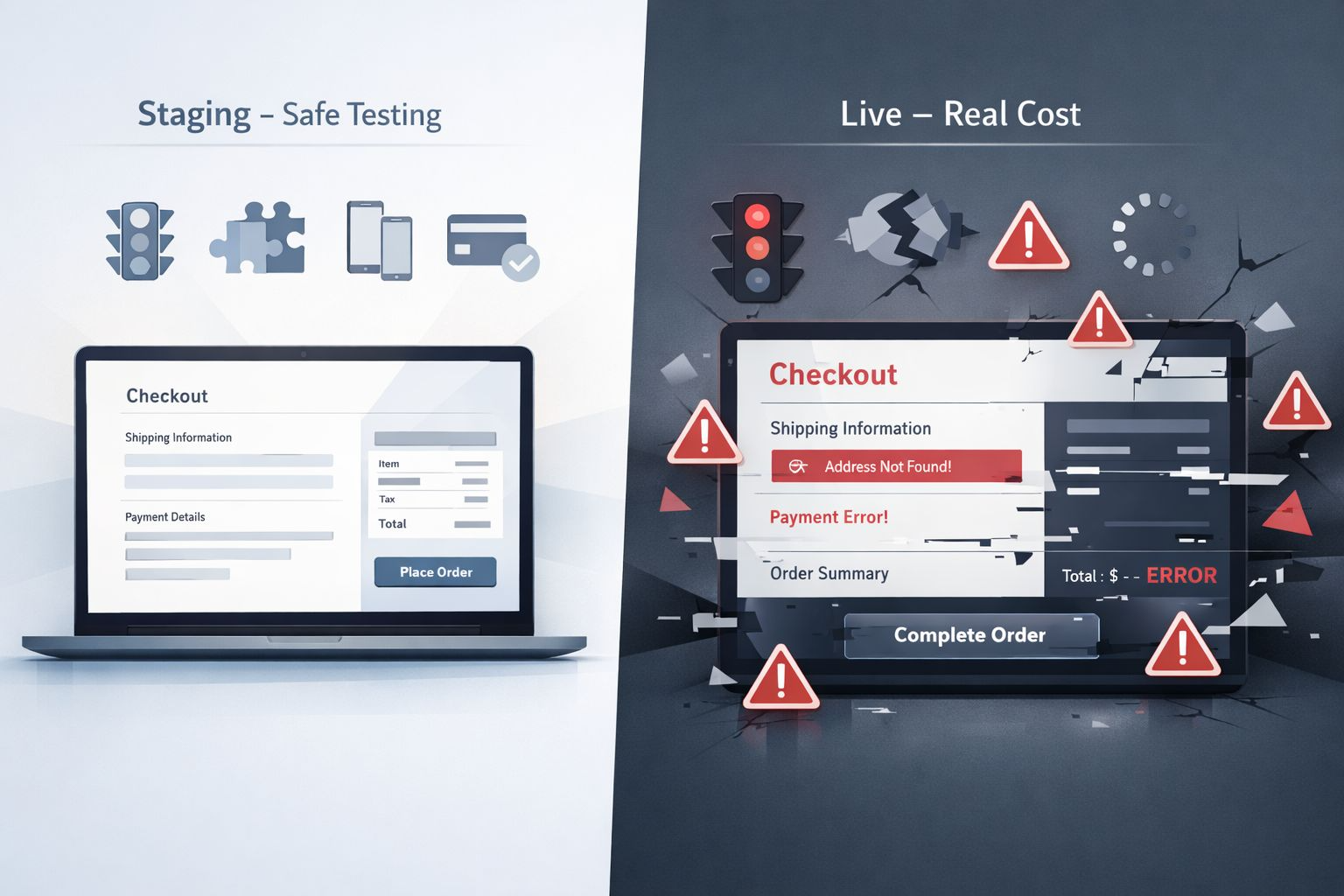
Every unnecessary plugin you install has a cost even if you never notice it directly.
- It adds code that loads on every page
- It creates another thing to update and monitor
- It increases the risk of conflicts with other plugins
- It becomes a potential security vulnerability over time
- It makes your website harder to maintain and diagnose
Multiply that across ten unnecessary plugins and the impact on performance, security, and stability becomes significant.
Stop problems before they cost you
Your Website Is Probably Carrying Plugins It Does Not Need
Unnecessary plugins slow your site down, create conflicts, and add security risks. I audit your plugin list, remove what does not belong, and make sure everything running on your site is actually earning its place.
Final Thoughts
Plugins are tools. Like any tool they work best when used for the right job.
The question to ask before every installation is not can a plugin do this. It is should a plugin do this.
A leaner plugin list means a faster site, fewer conflicts, and a website that is easier to maintain and keep secure.
Every plugin on your site should earn its place.
If it does not genuinely need to be there it probably should not be.