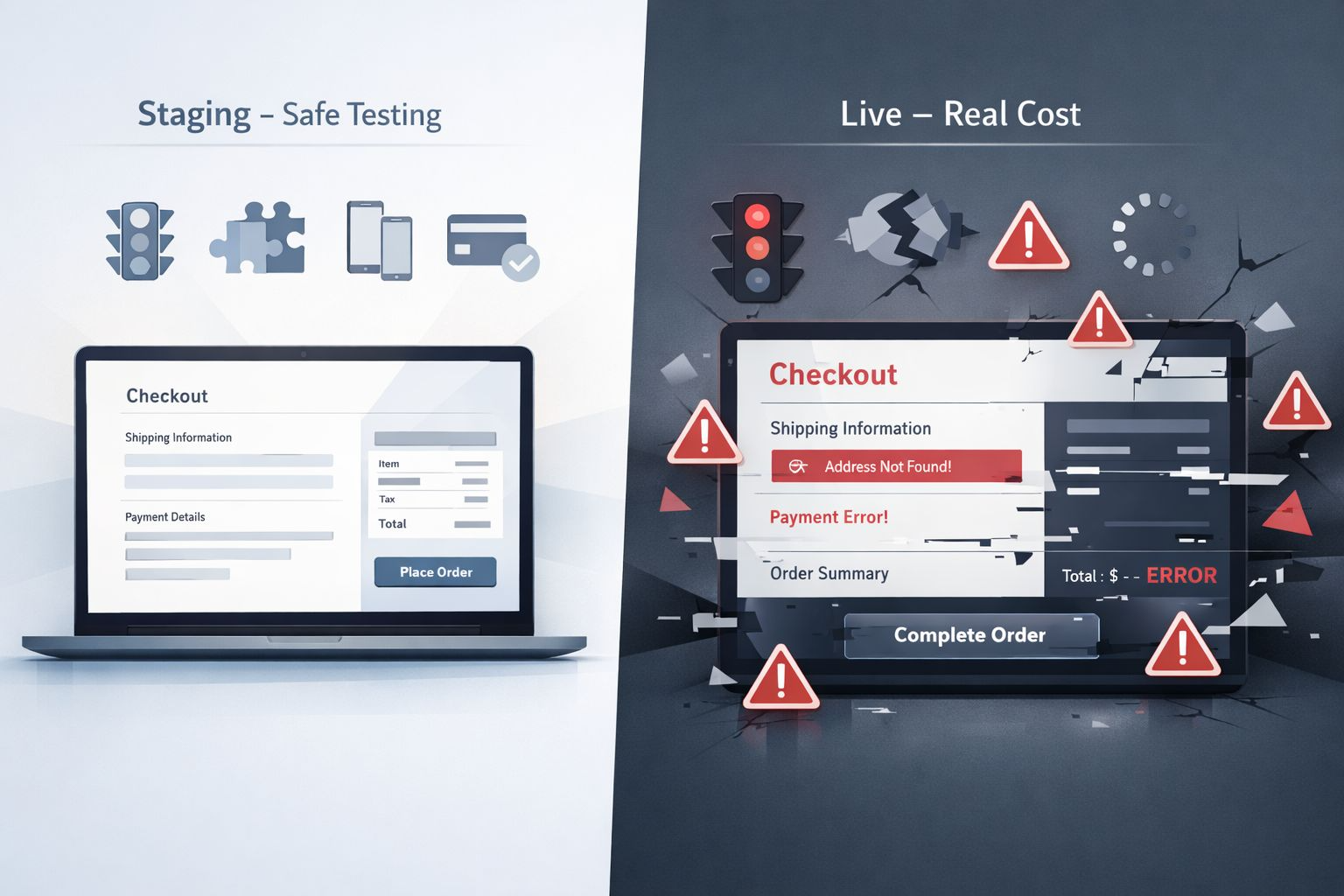
Many website owners only think about maintenance when something breaks.
A plugin update fails. The website goes down. Payments stop working. Pages start loading slowly.
Suddenly the problem becomes urgent.
This raises an important question for business owners.
Which actually costs more: routine maintenance or emergency fixes?
In most cases, the answer is clear once you understand how websites behave over time.
What Is WordPress Maintenance?
WordPress maintenance refers to the regular tasks that keep a website stable, secure, and performing well.
These tasks are usually small and predictable when done consistently.
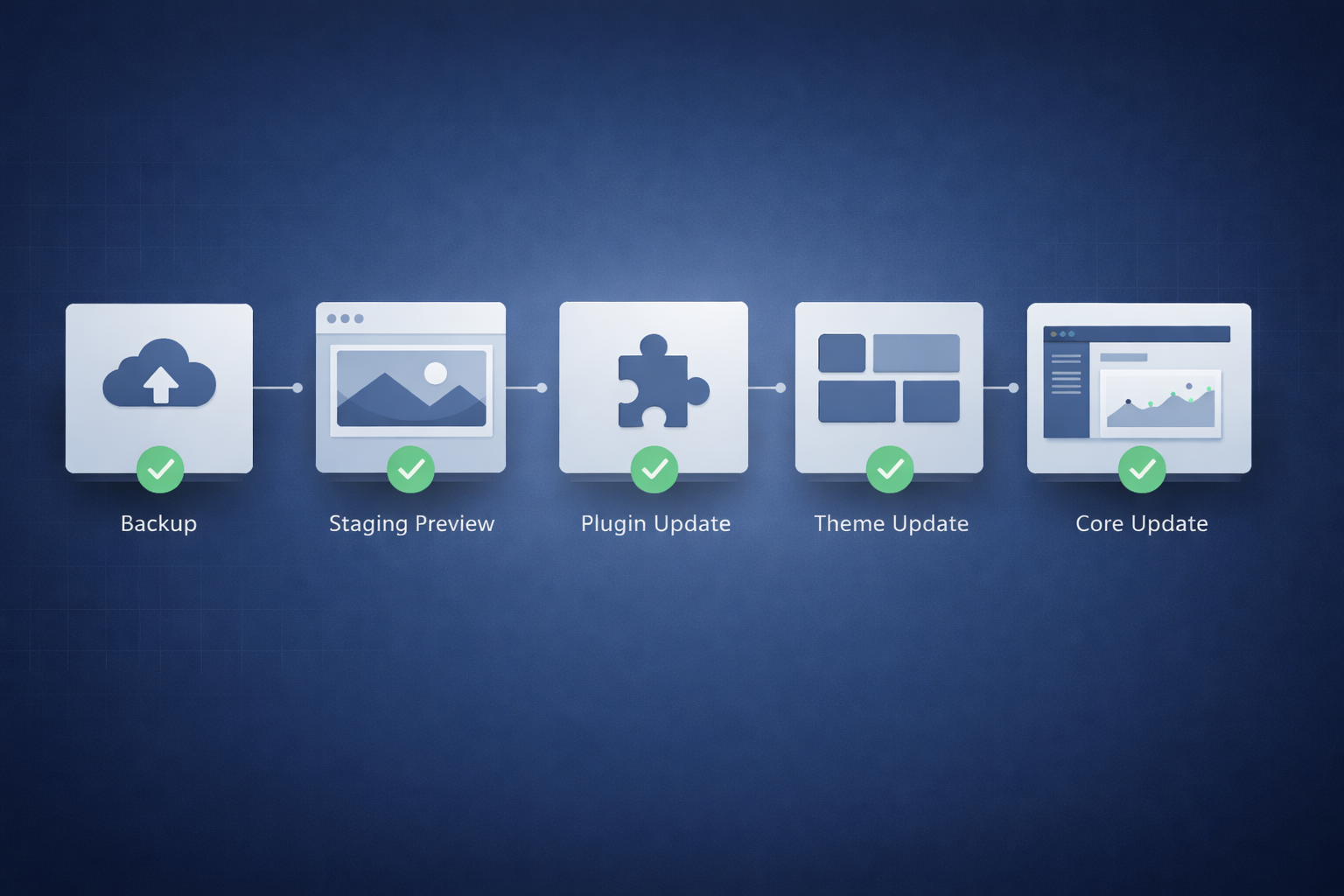
- Updating WordPress core
- Updating themes and plugins
- Creating reliable backups
- Monitoring site performance
- Checking security and vulnerabilities
- Testing critical website functions
When handled regularly, these activities prevent small issues from growing into major problems.
What Are Emergency Website Fixes?
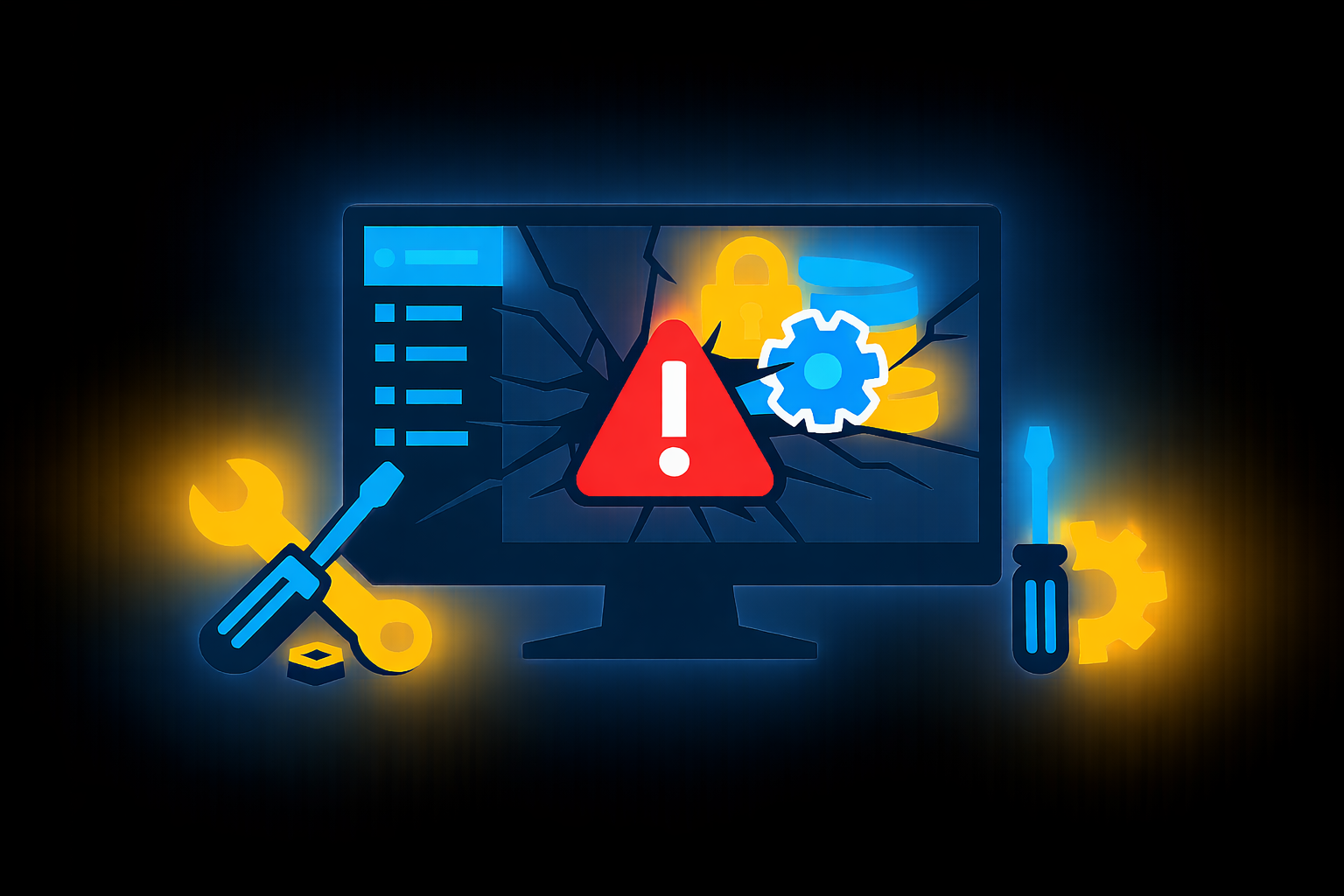
Emergency fixes happen when something on the website suddenly breaks.
Instead of prevention, the focus shifts to urgent recovery.
- Website crashes or downtime
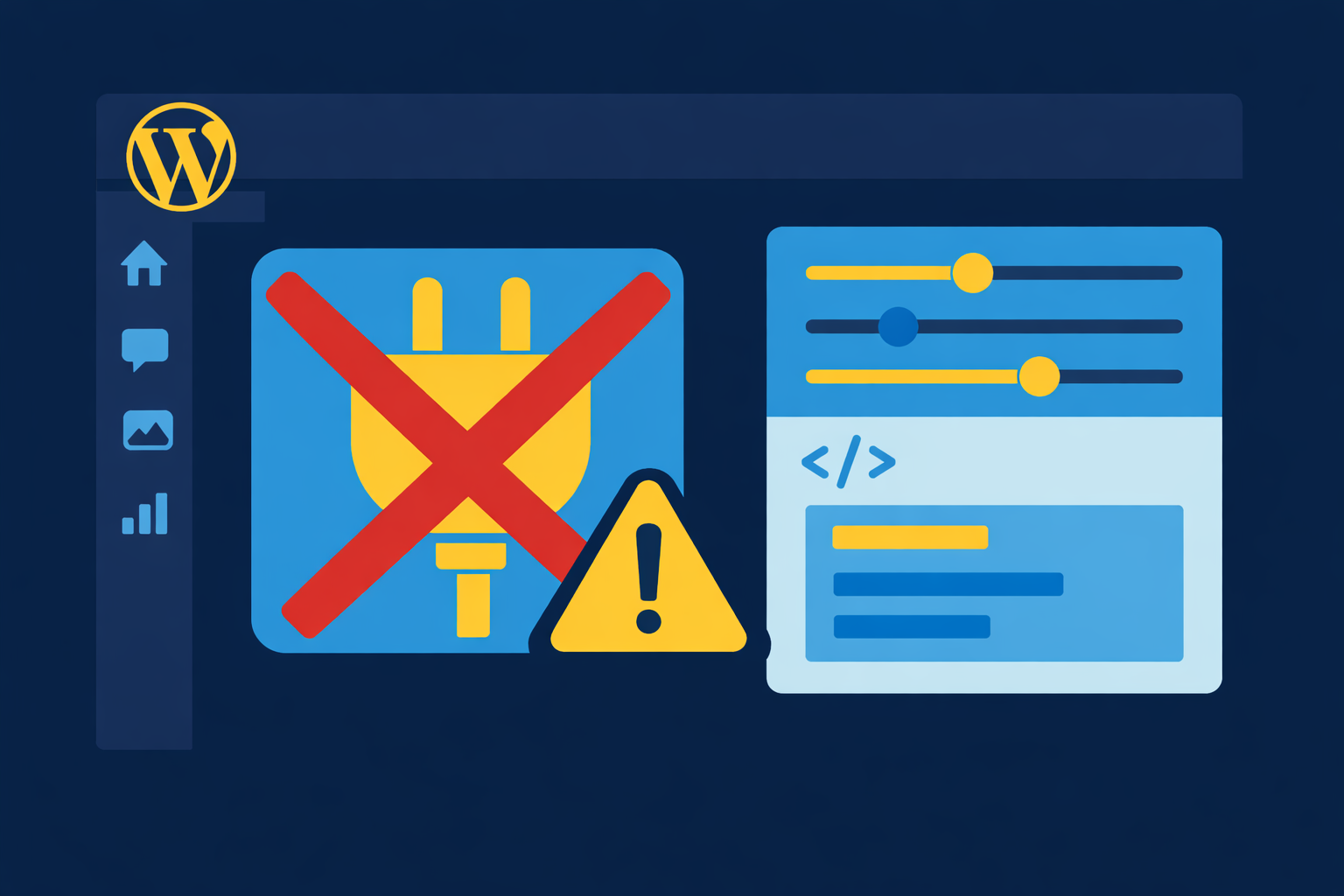
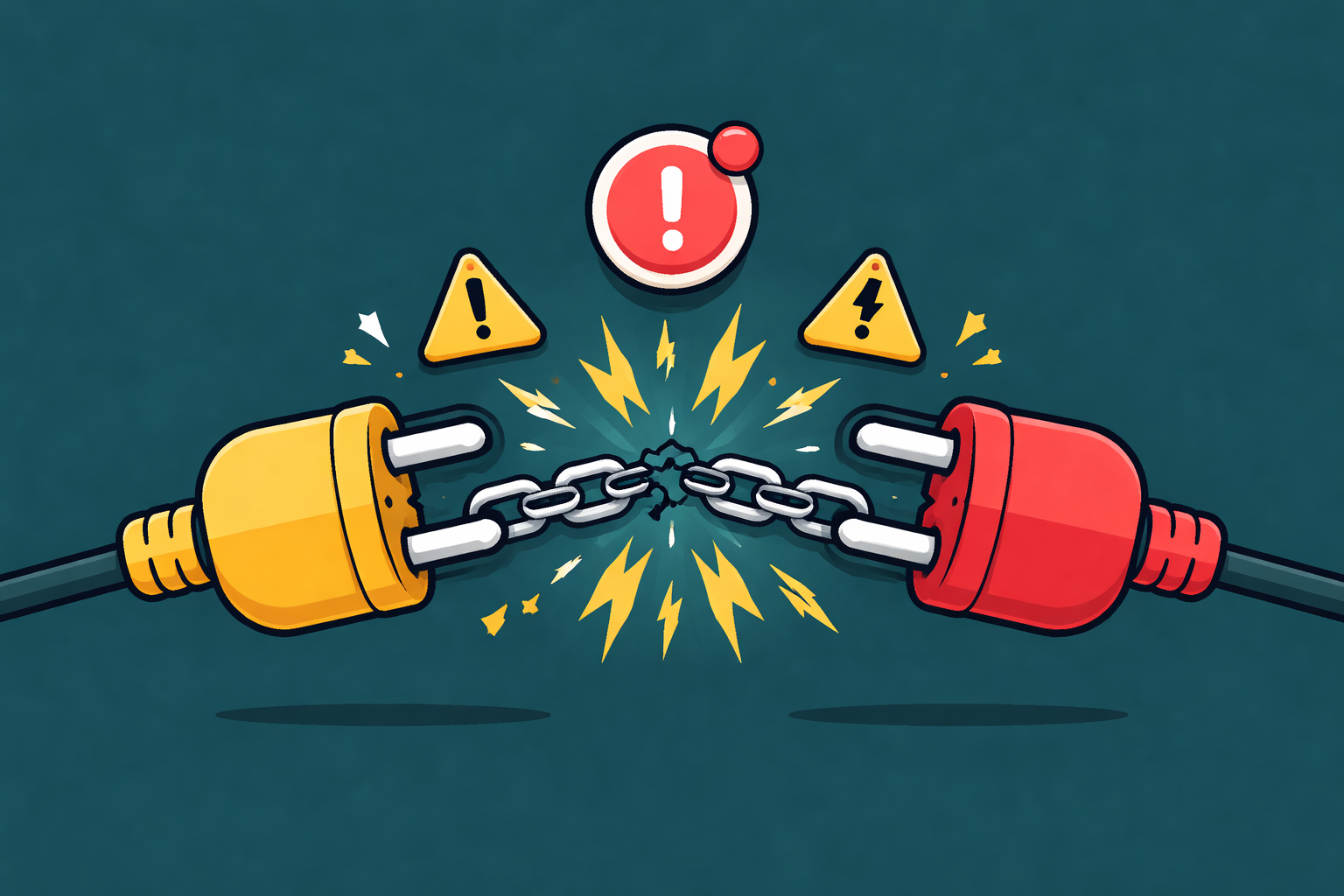
- Plugin conflicts breaking pages
- Security breaches or malware
- Checkout or payment failures
- Major performance issues
At this stage the situation becomes time-sensitive because the website may already be losing visitors, leads, or sales.
Why Emergency Fixes Usually Cost More
Emergency repairs are expensive not only because of the technical work involved, but also because of the business impact.
- Developers must investigate the problem quickly
- Multiple systems may already be affected
- Urgent fixes require immediate availability
- Revenue may already be lost during downtime
When systems are neglected for months or years, several issues often appear at the same time. Fixing them becomes much more complex than maintaining them earlier.
The Hidden Cost of Ignoring Maintenance
Some of the most expensive website problems start as very small oversights.
- An outdated plugin creating security risk
- A slow database affecting page load times
- Conflicting tools running the same scripts
- Payment settings that quietly break after updates
Individually these issues may not look serious. Over time they combine into performance problems, security risks, or lost conversions.
Why Preventive Maintenance Is More Predictable
The biggest advantage of regular maintenance is predictability.
Instead of reacting to problems, the website is monitored and improved continuously.
- Issues are identified early
- Updates are tested safely
- Performance remains stable
- Security risks are reduced
For businesses that rely on their websites for leads, sales, or customer communication, this stability becomes extremely valuable.
Maintenance vs Emergency Fixes: The Real Difference
Maintenance is proactive.
Emergency fixes are reactive.
One protects your website before problems appear. The other tries to recover after damage has already started.
For most websites, consistent maintenance ends up costing far less than even one serious emergency repair.
Stop problems before they cost you
Keep Your Website Secure and Performing
Routine WordPress maintenance prevents downtime, security risks, and slow performance. A small investment today saves big headaches tomorrow, so your website always works for your business.
Final Thoughts
Websites rarely fail all at once.
Problems usually grow quietly in the background until they eventually become urgent.
Routine maintenance may feel like a small investment, but it protects performance, security, and business continuity.
In the long run, prevention almost always costs less than repair.