Everything is working fine.
Then you install a new plugin.
Or update an existing one.
And suddenly something breaks.
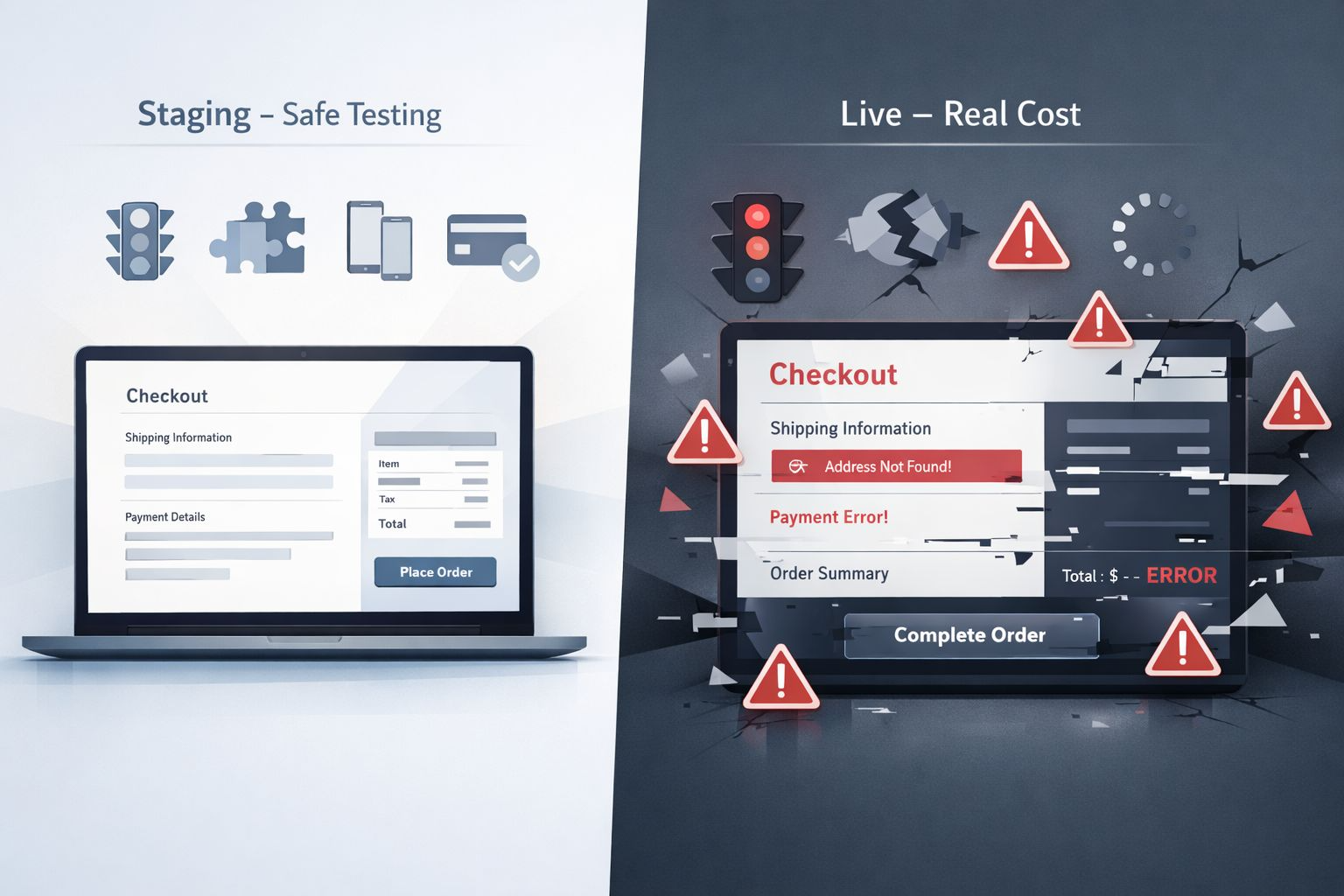
A page goes blank. A form stops working. The checkout fails. The whole site crashes.
This is what a plugin conflict looks like. And it happens more often than most WordPress users realise.
What Is a Plugin Conflict
A plugin conflict happens when two or more plugins interfere with each other.
WordPress plugins are built by different developers using different code. When two plugins try to do similar things, load the same scripts, or use the same resources, they can clash in ways that cause unexpected problems.
The conflict does not always cause a dramatic crash. Sometimes it quietly breaks one small thing that you do not notice until a visitor points it out.
What Plugin Conflicts Actually Break
Plugin conflicts can affect almost any part of your website depending on which plugins are involved.
- Contact forms stop submitting
- Pages display incorrectly or go completely blank
- Checkout and payment processes fail
- Images stop loading properly
- The admin dashboard becomes slow or unresponsive
- SEO settings get overwritten
- Caching breaks dynamic content
In the worst cases a conflict can take your entire website offline without any warning.
Why Plugin Conflicts Are Hard to Diagnose
The frustrating thing about plugin conflicts is that they are not always obvious.
The problem might appear immediately after an update. Or it might build up slowly over time as more plugins are added.
Sometimes the issue only shows up on certain pages. Sometimes it only affects mobile users. Sometimes it only happens when a specific combination of plugins are active at the same time.
Without knowing where to look it can feel like the website is randomly breaking for no reason.
Common Causes of Plugin Conflicts
Understanding what causes conflicts makes them easier to prevent.
- Two plugins loading the same JavaScript or CSS files
- Multiple plugins trying to control the same website function
- A plugin that has not been updated conflicting with a newer one
- A security plugin blocking scripts that another plugin needs
- A caching plugin storing outdated versions of pages affected by another plugin
Having too many plugins active at once increases the chance of conflicts significantly. The more plugins running on your site the more opportunities there are for something to clash.
A Real Example
I worked on a site recently where the contact form had stopped sending emails completely.
The form looked fine on the front end. No error messages. No visible problems.
But nobody was receiving the submissions.
After investigating it turned out a security plugin was blocking the outgoing mail function that the form plugin relied on.
Both plugins were doing exactly what they were supposed to do. But together they were cancelling each other out.
Once we identified the conflict and adjusted the settings everything worked immediately.
The client had been losing enquiries for weeks without knowing.
How to Find a Plugin Conflict
If something on your website breaks unexpectedly the first thing to check is whether a recent plugin update or installation caused it.
- Deactivate all plugins except the one you suspect
- Reactivate plugins one at a time and test after each one
- Check if the problem appears when a specific combination is active
- Use a staging site to test safely without affecting your live website
This process takes time but it is the most reliable way to identify exactly which plugins are causing the problem.
How to Prevent Plugin Conflicts
Prevention is always easier than fixing a conflict after it has already broken something.
- Only install plugins you genuinely need
- Avoid having multiple plugins doing the same job
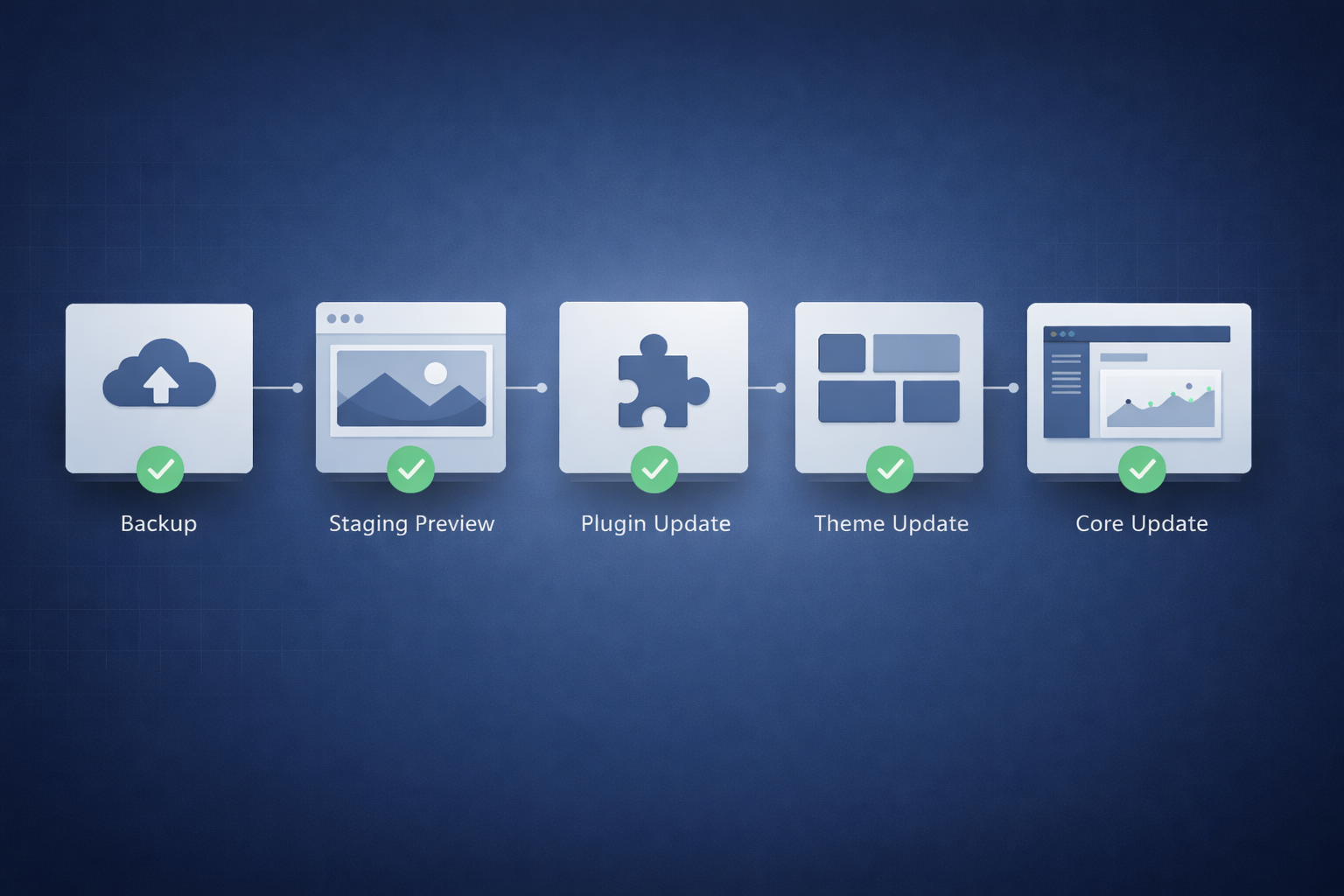
- Test updates on a staging site before applying them to the live site
- Remove plugins you no longer use instead of just deactivating them
- Check that plugins are actively maintained and regularly updated by their developers
The fewer plugins running on your site the lower the risk of conflicts causing problems.
Stop problems before they cost you
Your Website Has a Problem QuietlyCosting You Clients
Plugin conflicts break forms, crash pages, and silently lose you enquiries. I find the conflict, fix it properly, and make sure it never catches you off guard again.
Final Thoughts
Plugin conflicts are one of the most common and most misunderstood causes of WordPress problems.
They can break small things quietly or bring down your entire site without warning.
And because they are often hard to spot on your own they can cost you visitors, leads, and enquiries for days or weeks before anyone notices.
Keeping your plugins updated, tested, and audited regularly is the most effective way to stop conflicts before they become emergencies.
If your website has started behaving unexpectedly there is a good chance a plugin conflict is somewhere in the middle of it.