When something goes wrong on a WordPress site the instinct is usually the same.
Find a plugin that fixes it.
Site loading slowly. Install a caching plugin.
Getting spam. Install an anti-spam plugin.
Security concerns. Install a security plugin.
And sometimes that works.
But sometimes the problem runs deeper than any plugin can reach.
And adding more plugins to a broken system does not fix the system. It just adds more weight to something that is already struggling.
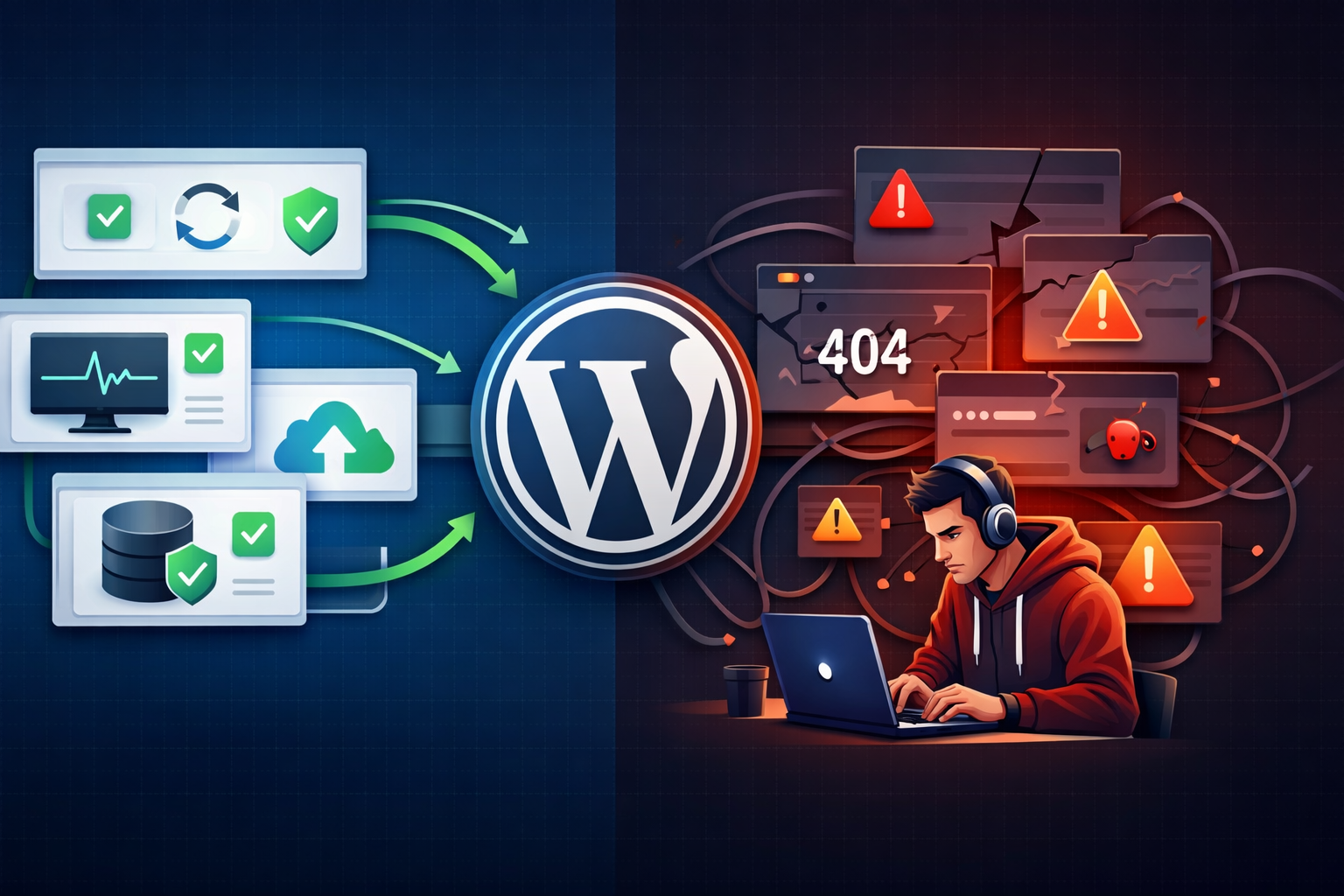
What a Broken WordPress System Actually Looks Like
A broken WordPress system is not always obvious.
It does not always mean your site is down or showing errors.
Sometimes it looks like this.
- Pages that load slowly no matter how many optimisation plugins you install
- Forms that keep breaking after updates
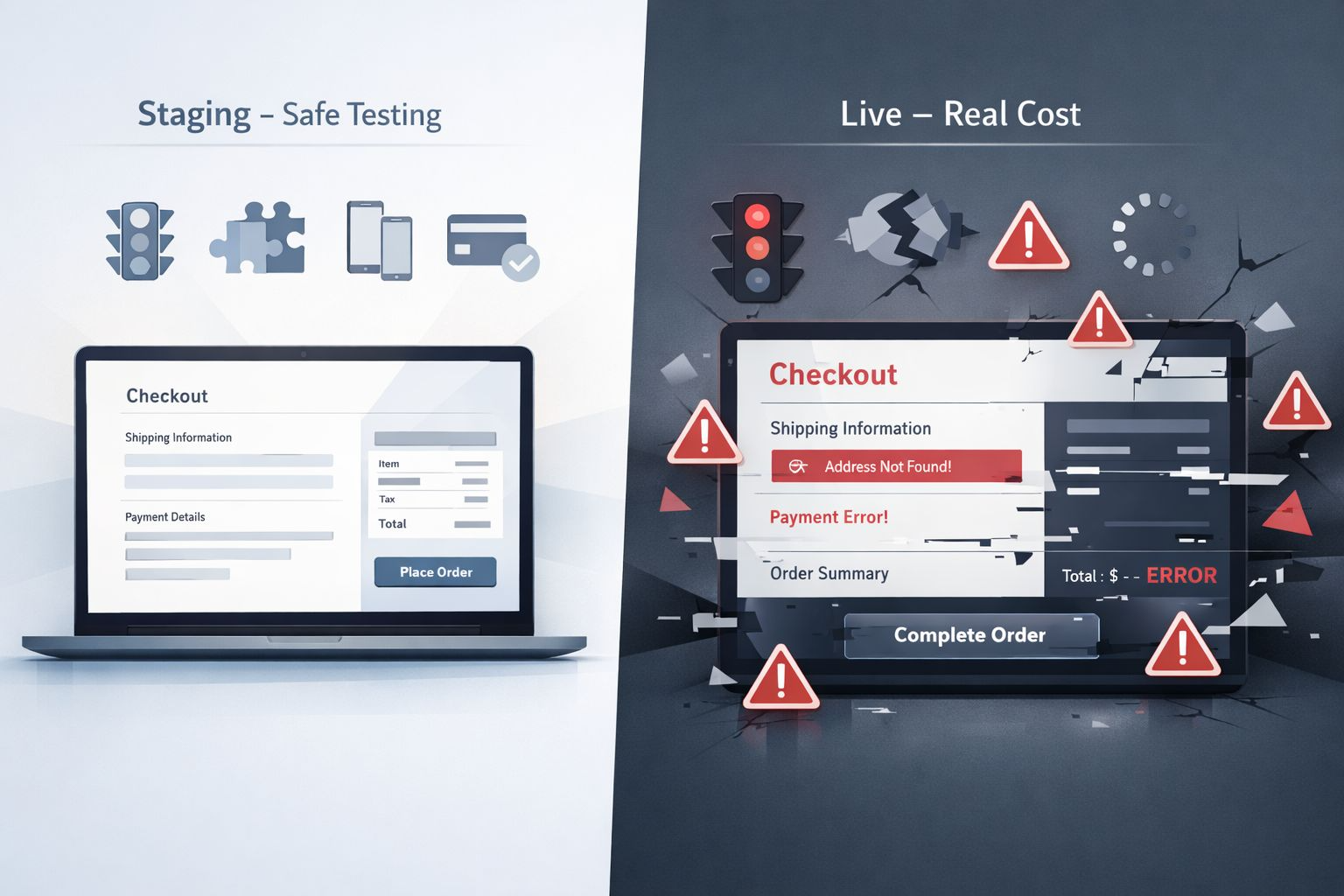
- A checkout process that works sometimes and fails others
- An admin dashboard that feels sluggish and unresponsive
- Security plugins that keep flagging issues that never fully go away
These are not plugin problems. They are system problems.
And the difference matters enormously when it comes to fixing them properly.
Why Plugins Cannot Fix System Level Problems
Plugins work on top of WordPress. They interact with the existing system.
If the foundation underneath is broken a plugin cannot repair it. It can only try to work around it.
Think of it this way.
If a house has a cracked foundation you do not fix it by redecorating the rooms.
The decoration might make things look better temporarily.
But the crack is still there. Getting worse. Until one day something gives way.
The same principle applies to WordPress.
- A bloated database cannot be fixed by a caching plugin
- A hosting environment that is under resourced cannot be fixed by a speed plugin
- Conflicting code between plugins cannot be fixed by adding another plugin
- A theme with poor code quality cannot be fixed by layering plugins on top
- Core files that have been corrupted or modified cannot be fixed without addressing them directly
In each of these cases the plugin is treating a symptom not a cause.
The Problem With Plugin Stacking
Plugin stacking is what happens when you keep adding plugins to solve problems that previous plugins did not fully fix.
One caching plugin did not speed things up enough. Install another.
One security plugin missed something. Add a second one.
One form plugin keeps breaking. Install a backup form plugin just in case.
Each new plugin adds more code. More potential conflicts. More maintenance. More risk.
And the original problem is still there underneath all of it.
I have audited WordPress sites with 40 or more active plugins where the core issues had never been properly diagnosed. The plugins were managing symptoms while the real problems quietly got worse.
What Actually Fixes a Broken WordPress System
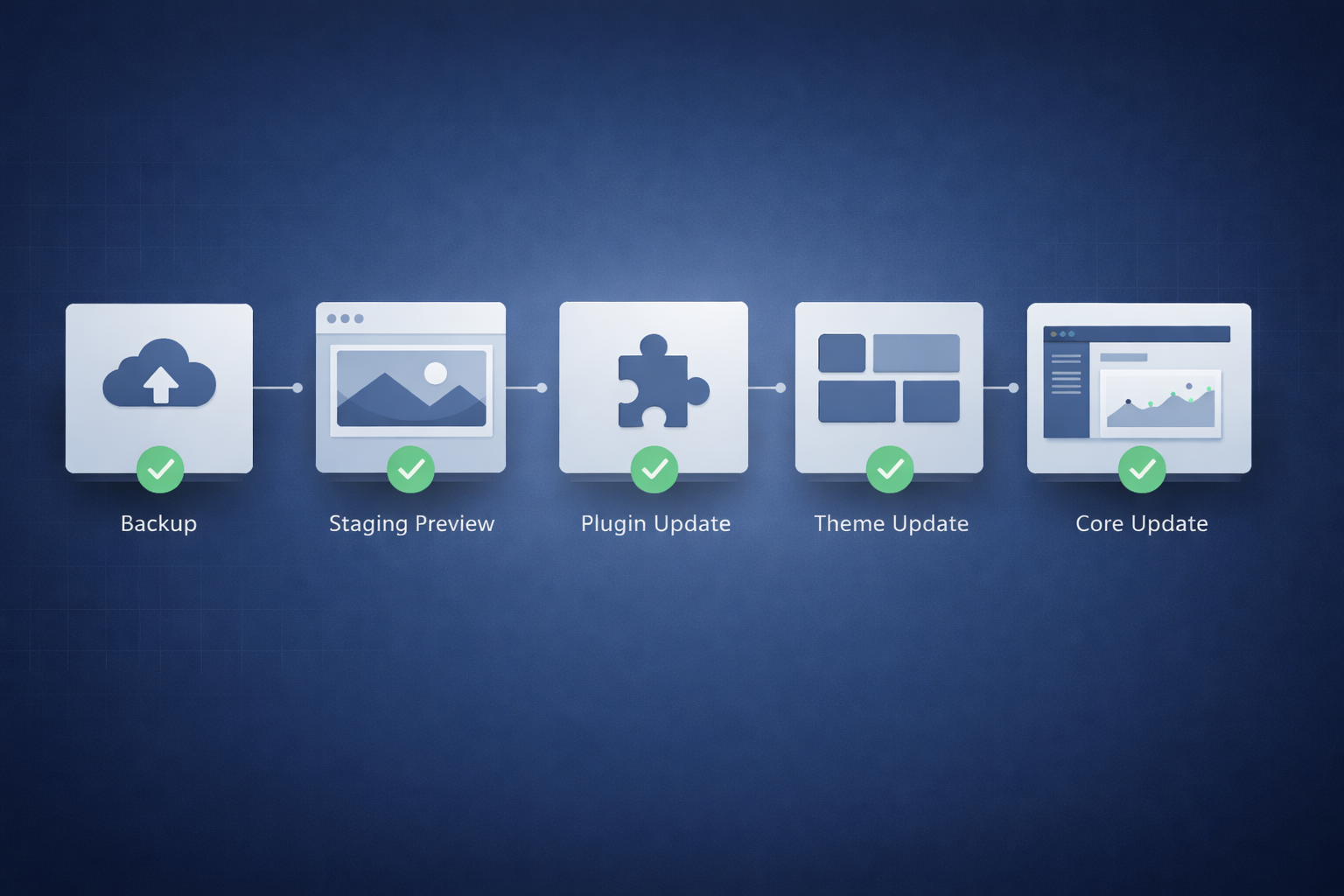
Fixing a broken WordPress system starts with understanding what is actually broken.
That means looking underneath the plugins at the system itself.
- Auditing the database for bloat corruption or inefficiency
- Reviewing the hosting environment and server resources
- Identifying plugin conflicts at the code level not just by deactivating one at a time
- Checking the theme and core files for quality issues or modifications
- Reviewing how WordPress itself has been configured
This kind of diagnosis takes more time than installing a plugin.
But it actually fixes the problem rather than working around it.
A Real Example
I worked with a client whose site had been slow for over a year.
They had installed four different speed and caching plugins over that time trying to fix it.
Each one helped slightly. None of them solved it.
When I audited the site the real problem was a combination of an oversized database, a hosting plan that could not handle the site’s traffic, and three plugins all running the same scripts simultaneously.
No caching plugin was going to fix any of those things.
We cleaned the database, moved to a better hosting plan, and resolved the script conflicts.
The site was significantly faster within days.
No new plugins required.
When to Stop Adding Plugins and Start Diagnosing
If you have been installing plugins to solve the same recurring problem and nothing is fully working it is time to stop and diagnose properly.
- The same issue keeps coming back after being fixed
- Performance problems persist despite multiple optimisation plugins
- Security alerts keep appearing even with a security plugin installed
- Your plugin list keeps growing but the problems do not go away
These are signs that the system needs attention not another plugin.
Stop problems before they cost you
Your Website Does Not Need More Plugins. It Needs Proper Diagnosis.
If the same problems keep coming back no matter what you install the system underneath needs attention. I find what is actually broken and fix it properly so it does not keep happening.
Final Thoughts
Plugins are powerful tools when used correctly.
But they are not a substitute for a properly built and maintained WordPress system.
When something keeps breaking the most valuable thing you can do is stop adding layers and start understanding what is actually wrong underneath.
The right fix is almost always simpler than the problem looks.
But you have to look at the right thing first.