Most WordPress users install plugins with good intentions.
A plugin for contact forms. One for SEO. Another for speed. One more for security.
Before long, the dashboard shows 25, 30, even 40 active plugins.
And the website starts behaving differently.
Pages load slower. Things break after updates. The admin panel feels heavy.
The plugins themselves are not always the problem. The quantity is.
What Happens When You Have Too Many Plugins
Every plugin you install adds code that runs on your website.
Some plugins load scripts on every page. Others add database queries in the background. A few run processes your visitors never even see.
When too many of these run at the same time, they compete for the same resources.
- Page load times increase
- Server memory gets stretched
- Database queries slow everything down
- Admin functions become sluggish
None of this happens dramatically. It creeps in slowly until one day the website feels completely different from when you launched it.
Plugin Conflicts Are More Common Than You Think
Plugins are built by different developers with different coding standards.
When two plugins try to do similar things, or load the same scripts, they can interfere with each other in ways that are hard to diagnose.
- A form plugin conflicting with a page builder
- Two SEO plugins overwriting each other’s settings
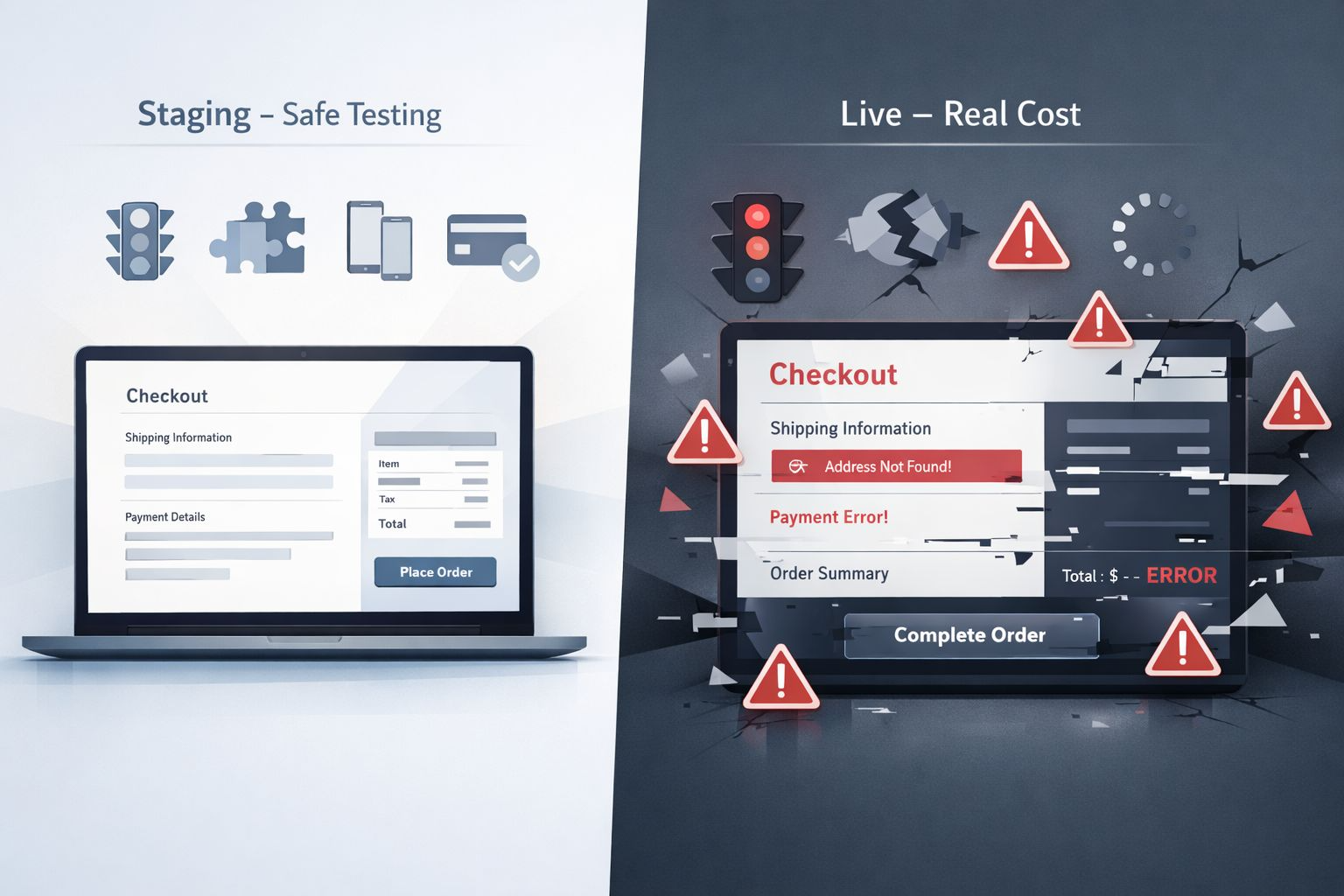
- A caching plugin breaking a checkout process
- A security plugin blocking scripts that your site needs
These conflicts do not always cause obvious errors. Sometimes they just quietly break one small thing that you do not notice until a visitor tells you.
Security Risks That Come With Unused Plugins
Every plugin you leave installed is a potential entry point.
Even plugins you deactivated but never deleted still sit in your files. If they contain vulnerabilities, attackers can find them.
- Outdated plugins are one of the most common causes of WordPress hacks
- Abandoned plugins no longer receive security patches
- Deactivated plugins still exist in your file system
- Low-quality plugins from untrusted sources carry hidden risks
Keeping plugins you do not actively use is not neutral. It is a risk you are carrying without any benefit.
How to Know If You Have Too Many Plugins
There is no universal number that is too many. A well-coded plugin from a reputable developer causes far less damage than three poorly built ones.
But these are signs worth paying attention to.
- Your PageSpeed score has dropped significantly
- Updates regularly break something on your site
- You cannot remember what half your plugins actually do
- Some plugins have not been updated by their developers in over a year
- You have multiple plugins doing the same job
If any of these feel familiar, a plugin audit is overdue.
A Real Example
I audited a client site recently that had 34 active plugins.
When we went through them one by one, 11 were either duplicating something another plugin already did, completely abandoned by their developers, or simply left over from an old feature nobody used anymore.
We removed those 11 plugins. Nothing on the site broke. But the PageSpeed score jumped by 18 points in the same week.
That is what unnecessary plugins actually cost you.
What a Plugin Audit Actually Involves
A plugin audit is not complicated but it does require being honest about what your website actually needs.
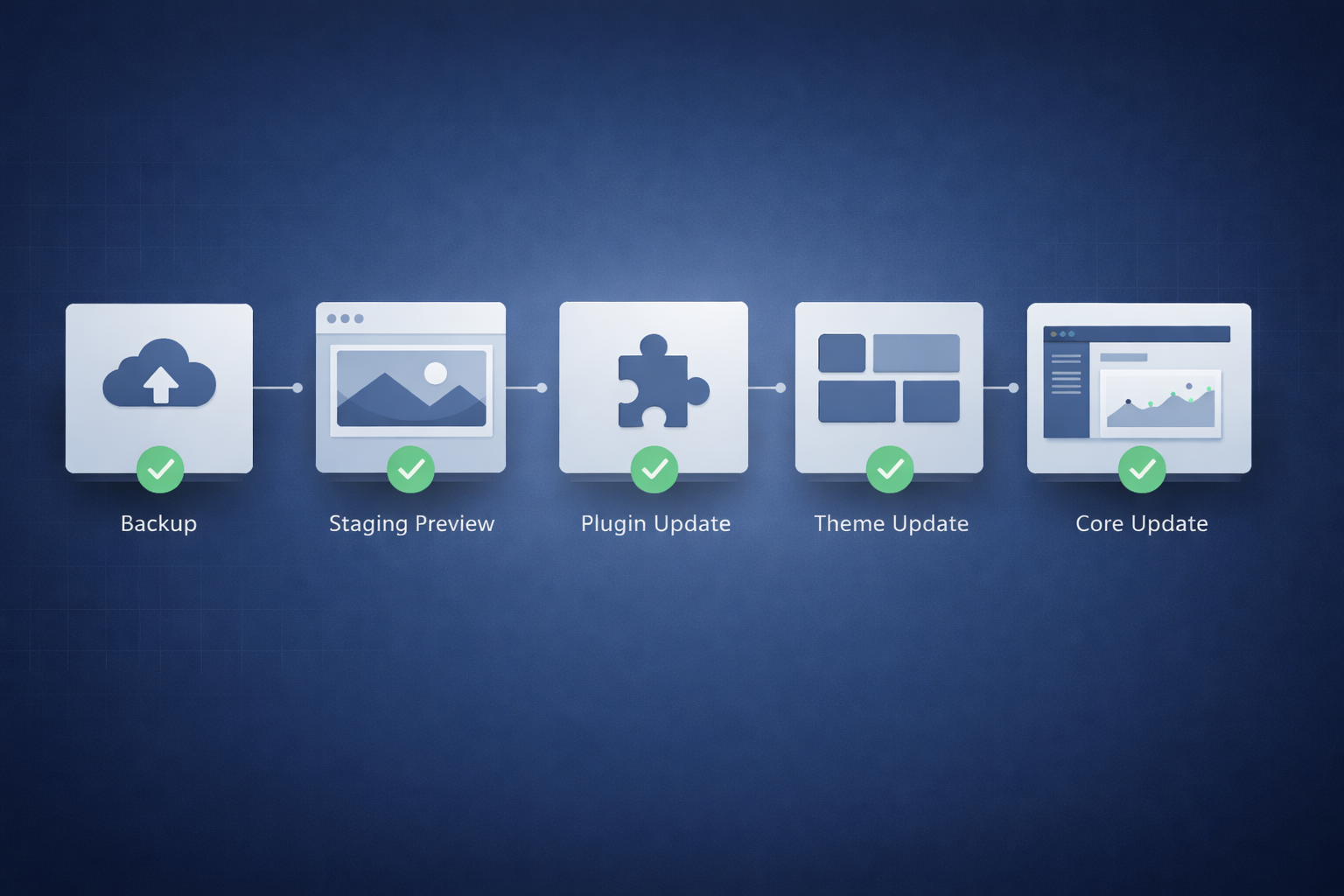
- Review every active plugin and confirm its purpose
- Remove anything deactivated that you no longer need
- Replace multiple plugins doing similar jobs with one reliable option
- Check when each plugin was last updated by its developer
- Test site speed before and after making changes
In many cases removing five to ten plugins noticeably improves performance without losing any functionality.
Quality Always Beats Quantity
The goal is not to have the fewest plugins possible.
The goal is to have only the plugins your website genuinely needs, maintained by developers who keep them updated and secure.
One well-built plugin that handles three functions cleanly is better than three separate plugins each doing one thing poorly.
Your website does not get stronger by adding more tools. It gets stronger when the right tools are working together properly.
Stop problems before they cost you
Your Website Has a Problem Quietly Costing You Clients
Most WordPress sites are running too many plugins without knowing the damage it’s causing. Slow pages, broken features, security gaps — I find them and fix them so your website works the way your business needs it to.
Final Thoughts
Plugins make WordPress powerful. That is one of the reasons so many businesses use it.
But every plugin you add is a commitment. It needs to be updated, monitored, and justified by something your website actually needs.
Too many plugins do not just slow your site down. They make it fragile, harder to maintain, and easier to compromise.
Your plugin list is not just a technical detail. It is a direct reflection of how healthy your website is.
And if you have never audited yours, there is a good chance something in there is already costing you visitors.