
Introduction
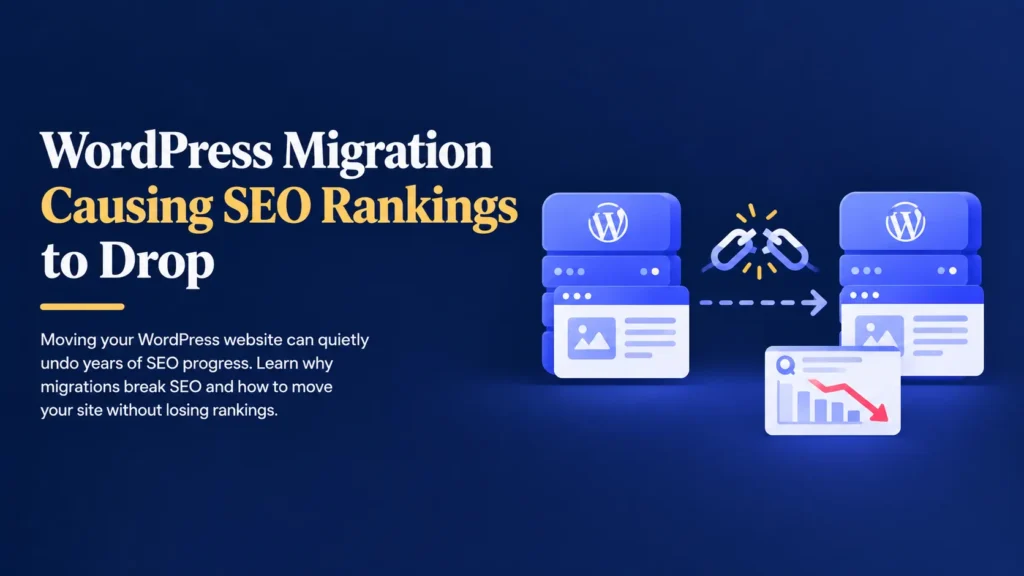
A website migration often feels like a technical formality.
You might be changing hosting providers, moving to a new domain, or rebuilding your website on a fresh design.
So once the new website looks right and loads correctly, it feels safe to assume the move went smoothly.
Sometimes it does.
Sometimes your search rankings quietly disappear over the following weeks.
Imagine moving your website to faster hosting with a redesigned layout.
Everything looks better than before.
A few weeks later, your organic traffic starts dropping.
Pages that used to rank well are nowhere to be found in search results.
Customers who used to find you through search are no longer arriving at all.
The migration itself was never the real problem.
The real risk comes from everything search engines rely on quietly changing during the move, often without anyone realizing it.
The good news is that SEO loss during a migration is almost always preventable with the right plan.
A Migration Changes More Than It Appears To
To a visitor, a migration might simply look like a new design or a faster website.
To a search engine, it can represent a completely different set of signals to interpret.
A typical migration can involve changes to:
- Your hosting environment and server location.
- Your website’s URL structure.
- Your domain name, in some cases.
- Your page content, layout, and internal linking.
- Technical settings like sitemaps and crawl permissions.
Search engines do not automatically know that your new website is the same business they already trust.
Every one of these changes needs to be communicated clearly, or rankings can be lost simply through confusion rather than any real decline in quality.
Missing Redirects Are the Most Common Cause
When a page’s URL changes during a migration, search engines and visitors still try to reach the old address.
Without a proper redirect in place, that old URL returns an error instead of guiding anyone to the new page.
This causes:
- Visitors landing on broken pages instead of your content.
- Search engines treating the old page as permanently gone.
- Years of accumulated ranking value being lost instead of transferred.
- Backlinks from other websites pointing to pages that no longer exist.
A 301 redirect solves this by telling search engines the page has permanently moved, passing most of its ranking value to the new URL instead of starting from zero.
Skipping this step is one of the most damaging and most common migration mistakes.
Search Engines Need Time to Trust the New Setup
Even with redirects in place, search engines do not instantly update their understanding of your website.
They need to recrawl your pages, recognize the new signals, and confirm that everything is working as expected.
During this period, it is common to see:
- A temporary dip in rankings while search engines reprocess the website.
- Some pages reappearing in search results faster than others.
- Fluctuations in traffic as the new setup is fully recognized.
A well planned migration keeps this adjustment period short.
A poorly planned one can extend it for weeks or months, especially if technical issues are discovered only after the move.
Hosting and Speed Changes Can Influence Rankings
Search engines consider website speed and reliability as part of how they rank pages.
A migration to new hosting can improve these factors, but it can also unintentionally harm them if not configured correctly.
This connects to the concerns explored in why speed optimization alone doesn’t fix websites, where hosting plays a far bigger role in performance than most tools can compensate for.
A migration that results in slower loading times or inconsistent uptime can quietly work against the SEO benefits the move was meant to bring.
Technical Settings Are Easy to Overlook
Several technical settings directly affect whether search engines can properly access and understand your website after a migration.
These are often missed during a rushed move, including:
- An updated XML sitemap submitted to search engines.
- Correct settings allowing search engines to crawl the new website.
- Properly configured canonical tags to avoid duplicate content issues.
- Updated internal links pointing to the new URL structure.
Even a single overlooked setting, like a website accidentally left set to block search engines after launch, can prevent your pages from being indexed at all.
WooCommerce Migrations Carry Extra Risk
If you run an online store, a migration carries even greater SEO risk than a standard website.
Product pages, category pages, and customer reviews often generate significant search traffic on their own.
This connects to the broader risks discussed in why WooCommerce stores fail after setup, where ongoing technical care is just as important after major changes as it was at launch.
Losing rankings on high performing product pages during a migration can directly affect sales, not just general website traffic.
Not Every SEO Loss Is Visible Right Away
A common misconception is that if a website looks correct after migration, SEO must be unaffected.
Unfortunately, that is not always true.
Many SEO issues take time to surface in search results and analytics.
For example:
- A missing redirect goes unnoticed until a drop in traffic appears weeks later.
- A blocked crawl setting silently prevents new pages from being indexed.
- A slower server affects rankings gradually rather than all at once.
- Broken internal links quietly reduce how search engines understand page relationships, a factor connected to the design and navigation issues raised in small UX issues that reduce website trust.
These delayed effects are part of why migrations are often blamed much later than when the actual issue occurred.
Why Professionals Treat Migrations as an SEO Project
Experienced WordPress developers treat a migration as more than a technical move.
They treat it as an SEO project that happens to involve moving a website.
This typically includes:
- Creating a full map of old URLs to new URLs before the move.
- Setting up 301 redirects for every changed page.
- Testing crawl settings and sitemaps immediately after launch.
- Monitoring search console data closely in the weeks following the move.
- Testing the entire migration on a staging environment first, following the same caution outlined in why updating WordPress on a live website is risky.
This level of planning is what separates a migration that protects years of SEO progress from one that quietly undoes it.
Backups Give You a Safety Net
A migration, by its very nature, involves significant changes, so it should always begin with a complete backup.
A backup is a copy of your website that includes:
- Pages and posts.
- Images and media files.
- The database.
- Plugin settings.
- Theme files.
If something goes wrong during the move, you can restore your website to the way it was before.
Without a backup, recovering from a failed migration can be far more difficult than the migration itself.
Backups do not prevent problems.
They give you a quick way to recover from them.
A Clear Process for Migrating Without Losing SEO
Protecting your SEO during a migration does not need to be complicated.
It simply requires a consistent process.
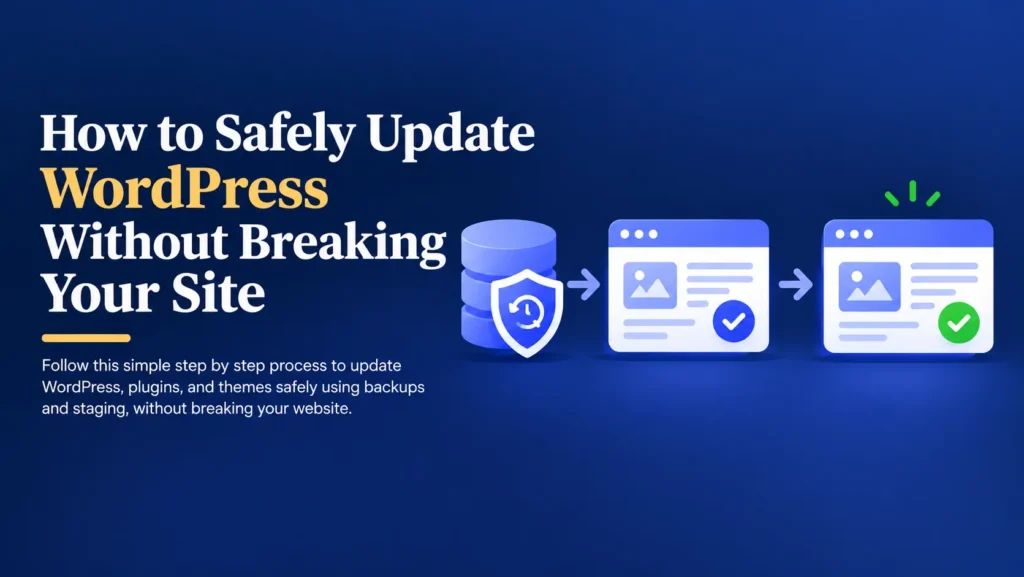
- Create a complete backup.
- Map every existing URL to its new destination.
- Set up 301 redirects for all changed pages.
- Test the new website on a staging environment first.
- Confirm crawl settings allow search engines to access the live site.
- Submit an updated sitemap after launch.
- Monitor search console and traffic closely for several weeks.
This process takes extra planning, but it is far less costly than recovering lost rankings after the fact.
Simple Ways to Protect SEO During a Migration
- Map out every URL change before the migration begins.
- Set up redirects for every page that moves or changes address.
- Double check crawl settings immediately after launch.
- Submit a fresh sitemap to search engines after the move.
- Monitor rankings and traffic closely in the weeks that follow.
- Avoid rushing a migration without a clear SEO plan in place.
These small habits can be the difference between a smooth transition and months of recovering lost search visibility.
Final Thoughts
A WordPress migration is often necessary for growth, better performance, or a fresh design.
It does not need to come at the cost of your search rankings.
Most SEO loss during a migration comes from missing redirects, overlooked technical settings, and rushed planning, not from the migration itself.
The safest approach is simple.
Back up your website.
Plan your redirects before you move.
Monitor your SEO closely after launch.
Your website supports your marketing, your customer enquiries, and in many cases, your revenue.
Protecting your SEO during a migration protects everything that search traffic brings with it.
Planning a Website Migration Soon?
Move Your Website Without Losing Your Rankings
If you’re planning to migrate your website and want to protect your SEO through the process, I’d be happy to help.