
Introduction
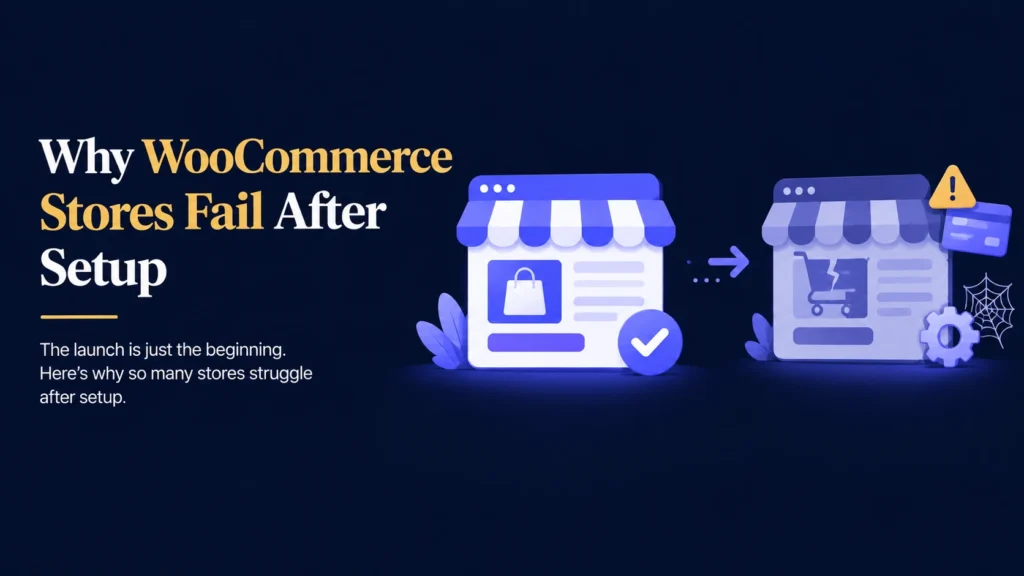
Launching a WooCommerce store feels like the hardest part is over.
You have chosen your products, set up payments, tested the design, and finally opened your store to the world.
So once the store is live and orders start coming in, it feels natural to shift your attention elsewhere.
Sometimes the store continues running smoothly on its own.
Sometimes small issues begin building in the background without anyone noticing.
Imagine your store launching successfully, with orders coming in during the first few weeks.
A few months later, sales start slowing down.
Checkout feels a little clunky.
Then one day, a customer messages you to say they could not complete their payment.
You had no idea it was even happening.
The setup was never the problem.
The real risk comes from treating launch as the finish line instead of the starting point.
The good news is that most store failures are preventable once you know what to watch for.
A Store Is a System, Not a One Time Project
WooCommerce is not a website you build once and leave alone.
It is a system made up of products, payments, shipping, taxes, emails, and customer accounts, all working together every time someone places an order.
Every part of that system depends on:
- WordPress core staying updated.
- WooCommerce itself receiving regular updates.
- Plugins for payments, shipping, and marketing working correctly together.
- Your theme displaying products and checkout pages properly.
- Your hosting handling traffic and orders without strain.
When a store is treated as finished after launch, these moving parts are left unattended, and small changes on any one of them can quietly affect the rest.
Checkout and Payment Issues Are the Most Costly to Miss
Of all the ways a store can fail after setup, checkout problems cause the most direct damage.
A payment gateway update, a plugin conflict, or an expired security certificate can break checkout without changing how the rest of the store looks.
Common signs include:
- Customers reporting a payment method that no longer works.
- A drop in completed orders with no clear explanation.
- Error messages appearing only for certain payment options.
- Cart totals or shipping costs calculating incorrectly.
Since these issues often affect only part of your checkout process, they can continue unnoticed for weeks, quietly costing sales the entire time.
Stores Slow Down as They Grow
A store that felt fast at launch can become noticeably slower as it grows.
More products, more orders, more customer accounts, and more plugins all add weight to your website over time.
This is closely connected to the pattern explored in why speed optimization alone doesn’t fix websites, where a growing database and increasing demands on hosting slowly reduce performance if left unaddressed.
A slower store affects more than convenience.
It can lead directly to abandoned carts and lost sales, especially on mobile devices.
Plugin and Theme Conflicts Build Up Silently
Most WooCommerce stores rely on several plugins working together, often from different developers with no coordination between them.
As each plugin updates independently, the chance of a conflict increases over time.
This mirrors the risks described in why too many plugins cause WordPress issues, where features that once worked well together start to interfere with each other after updates.
A conflict on a standard website might break a contact form.
A conflict on a WooCommerce store can break checkout, shipping calculations, or order confirmation emails, all at once.
Design and UX Problems Quietly Reduce Trust
A store does not need to be broken to lose customers.
Small inconsistencies in design, confusing navigation, or an unclear checkout process can be enough to make customers hesitate.
This connects directly to the issues raised in small UX issues that reduce website trust, where customers rarely explain why they left. They simply do not complete the purchase.
For a store, this hesitation often shows up as abandoned carts rather than direct complaints, making it easy to miss without a closer look.
Security Gaps Grow the Longer They Are Ignored
Online stores are a common target for security threats because they handle payments and customer data.
A store left without updates, monitoring, or a proper maintenance plan becomes more vulnerable every month it goes unattended.
This can lead to:
- Malware affecting checkout or product pages.
- Customer data being exposed or compromised.
- Search engines flagging or removing your store from results.
- Complete downtime during critical sales periods.
Security is rarely a single event.
It is the result of small gaps left open for long enough to be found.
Not Every Failure Is Obvious Right Away
A common misconception is that if orders are still coming in, the store must be working fine.
Unfortunately, that is not always true.
Some of the most damaging issues affect only a portion of customers, leaving the rest of the store looking completely normal.
For example:
- One payment method fails while others continue working.
- A shipping calculation error only appears for certain regions.
- A confirmation email stops sending for specific order types.
- A mobile checkout issue goes unnoticed on desktop testing.
These partial failures are often the most expensive, since they can continue for weeks before anyone realizes something is wrong.
Why Professionals Treat Launch as Day One
Experienced WooCommerce developers treat the store launch as the beginning of ongoing care, not the end of the project.
This typically includes:
- Monitoring WordPress, WooCommerce, and plugin updates regularly.
- Testing checkout and payment methods on a consistent schedule.
- Reviewing store speed as products and orders grow.
- Auditing plugins periodically to remove what is no longer needed.
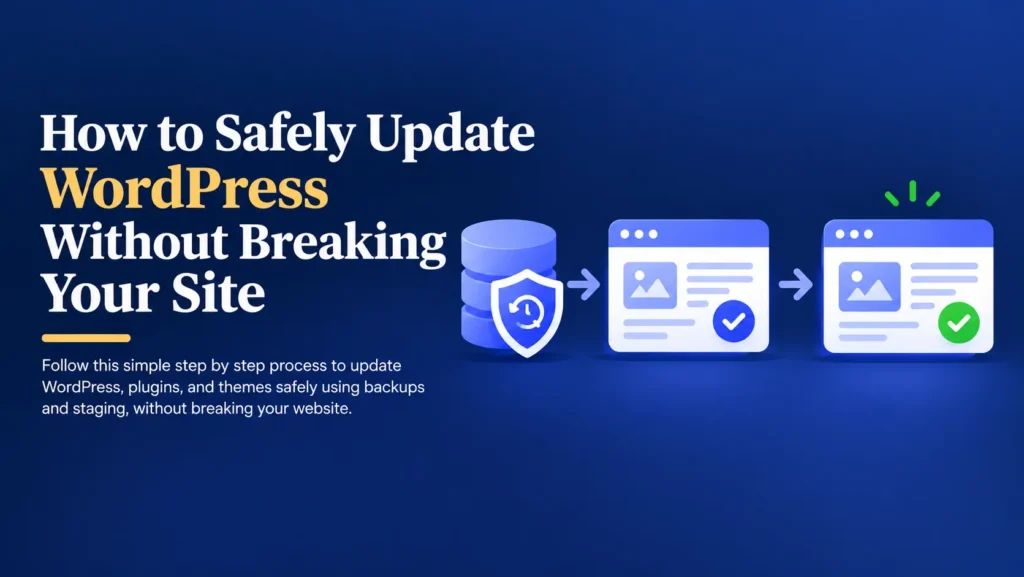
- Testing changes on a staging environment before applying them live, following the same approach outlined in why updating WordPress on a live website is risky.
This ongoing attention is what separates stores that keep growing from stores that quietly decline after a strong launch.
Backups Give You a Safety Net
Maintaining a WooCommerce store, whether through updates, plugin changes, or design improvements, should always begin with a complete backup.
A backup is a copy of your website that includes:
- Pages and posts.
- Product data and order history.
- The database.
- Plugin settings.
- Theme files.
If something goes wrong during a change, you can restore your store to the way it was before the update.
Without a backup, recovering from a failed update or a broken checkout can be difficult, expensive, and time consuming.
Backups do not prevent problems.
They give you a quick way to recover from them.
A Simple Process for Keeping a Store Healthy
Maintaining a WooCommerce store after launch does not need to be complicated.
It simply requires a consistent process.
- Create a complete backup on a regular schedule.
- Test checkout and every payment method monthly.
- Review store speed as products and traffic grow.
- Audit plugins and remove anything no longer needed.
- Test major changes on a staging environment first.
- Review security and update everything regularly.
- Check the customer experience from browsing through to checkout.
This process takes a small amount of ongoing time, but it protects the sales and reputation you worked hard to build at launch.
Simple Ways to Keep Your Store Running Smoothly
- Test every payment method regularly, not just at launch.
- Keep WordPress, WooCommerce, and plugins updated consistently.
- Monitor your store’s speed as it grows.
- Review your checkout process from a customer’s perspective often.
- Back up your store before every significant change.
- Schedule regular maintenance instead of waiting for problems to appear.
These small habits can be the difference between a store that grows steadily and one that quietly loses customers over time.
Final Thoughts
Launching a WooCommerce store is a major milestone, but it is not the end of the work.
Stores fail after setup not because of one dramatic event, but through small issues left unattended over time.
Checkout problems, slow performance, plugin conflicts, and security gaps all grow quietly when a store is left on its own.
The safest approach is simple.
Back up your store regularly.
Test checkout and payments often.
Treat maintenance as part of running your business, not an afterthought.
Your store supports your sales, your customer relationships, and your revenue.
Caring for it after launch is what keeps it working for you long term.
Worried Your Store Isn't Being Maintained Properly?
Keep Your WooCommerce Store Running Smoothly
If you’re unsure whether your store is set up for long term success or want someone to review it, I’d be happy to help.