
Introduction
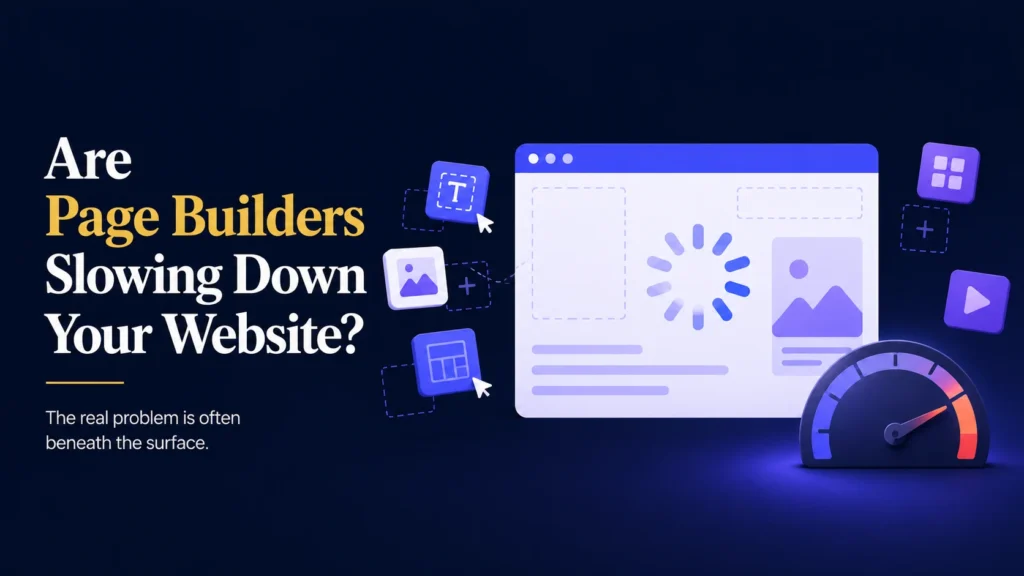
Page builders changed the way people create WordPress websites.
You can design a page, add sections, and adjust layouts without touching a single line of code.
So when you want a new landing page or a redesigned homepage, reaching for your page builder feels like the obvious choice.
Sometimes the result is fast and polished.
Sometimes it quietly slows your website down without you noticing right away.
Imagine building a beautiful new homepage with your page builder.
It looks exactly how you imagined.
A few weeks later, you notice your website feels slower.
Visitors are leaving before the page even finishes loading.
Your bounce rate creeps up, and you are not sure why.
The page builder itself is not necessarily the problem.
The real risk comes from how it is used and what gets added along the way.
The good news is that a slow page builder website can usually be fixed once you understand where the weight is coming from.
Why Page Builders Can Add Extra Weight
A page builder gives you incredible flexibility, but that flexibility comes with a cost.
Behind every drag and drop section, there is additional code running in the background.
This can include:
- Extra CSS files for styling every element.
- JavaScript files that power animations and interactive features.
- Additional database queries to load your page settings.
- Icon libraries and fonts loaded on every page, even if unused.
A single well built page might not feel slow at all.
An entire website built with heavy, complex layouts on every page is a different story.
That does not mean page builders are bad.
It simply means every feature you add has a cost, even when it looks simple on the surface.
Common Page Builder Habits That Slow Things Down
Most speed problems come from a handful of habits rather than the page builder itself.
Some of the most common examples include:
- Using too many nested sections, rows, and columns.
- Adding large, uncompressed images directly through the builder.
- Enabling animations and effects on nearly every element.
- Installing multiple add on packs for a page builder that are rarely used.
- Rebuilding pages from scratch instead of reusing efficient templates.
Each of these choices adds a small amount of extra loading time.
Combined across an entire website, they can add up to a noticeably slower experience for your visitors.
Not All Page Builders Perform the Same Way
Page builders vary in how efficiently they generate code and manage resources.
Some are designed with performance as a priority.
Others prioritize flexibility and design options, which can come at the cost of speed.
This does not mean one type is always right or wrong.
It means the right choice depends on your website’s goals, your hosting, and how the builder is configured.
A powerful page builder used carelessly can be slower than a simpler one used thoughtfully.
Why a Slow Website Costs You More Than You Think
A slow loading website affects more than just visitor patience.
It can quietly impact your business in several ways:
- Visitors leave before your page finishes loading.
- Search engines may rank slower websites lower in results.
- Fewer visitors complete contact forms or make purchases.
- Mobile users, who are often on slower connections, are affected the most.
Even a delay of a few seconds can be enough to lose a visitor’s attention.
Over time, this can mean fewer leads, fewer sales, and a website that works against your business instead of for it.
WooCommerce Websites Feel Slow Pages the Most
If you run an online store, page builder speed issues carry even greater consequences.
Product pages, category pages, and checkout flows all rely on quick loading times to keep customers engaged.
A heavy page builder layout on your product pages can slow down browsing and checkout at the exact moment a customer is ready to buy.
Imagine a customer browsing your store on their phone while pages take several seconds to load.
They lose patience and leave before adding anything to their cart.
You lose the sale, and possibly the customer.
For WooCommerce websites, every page builder layout should be tested for speed, not just design.
Not Every Slowdown Is Obvious Right Away
A common misconception is that if your website looks fine, it must be loading quickly too.
Unfortunately, that is not always true.
Some slowdowns build up gradually and go unnoticed until they become a real problem.
For example:
- A new landing page quietly adds extra scripts across your entire website.
- Uncompressed images slowly increase your average page size.
- Unused add ons continue loading in the background.
- Your homepage grows heavier every time a new section is added.
These issues often continue growing until a visitor complaint or a speed test finally reveals the impact.
Why Professionals Test Before They Publish
Experienced WordPress developers treat page speed as part of the design process, not an afterthought.
Instead of publishing a page as soon as it looks right, they test how it performs.
This can include:
- Running speed tests before and after major page changes.
- Compressing images before uploading them through the builder.
- Limiting unnecessary animations and effects.
- Removing unused add ons and modules.
- Reviewing how many nested elements a page actually needs.
- Testing page load times on both desktop and mobile connections.
This approach keeps a page builder website fast without giving up its design flexibility.
Backups Give You a Safety Net
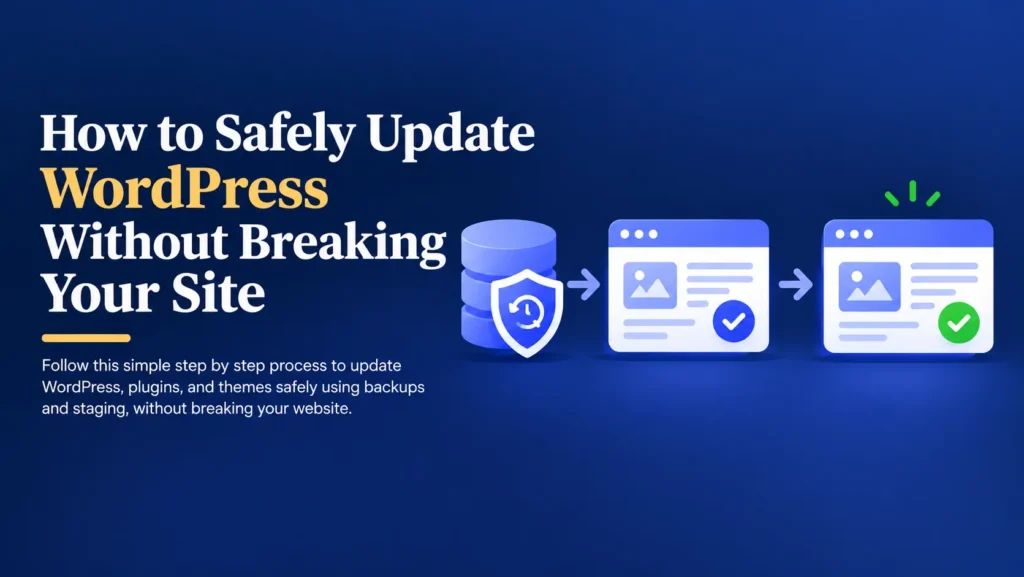
Optimizing a page builder website, whether that means removing add ons, compressing images, or restructuring layouts, should always begin with a complete backup.
A backup is a copy of your website that includes:
- Pages and posts.
- Images and media files.
- The database.
- Plugin settings.
- Theme files.
If something goes wrong during optimization, you can restore your website to the way it was before the change.
Without a backup, recovering from an unexpected issue can be difficult, expensive, and time consuming.
Backups do not prevent problems.
They give you a quick way to recover from them.
A Practical Process for Faster Page Builder Pages
Improving your website’s speed does not need to be complicated.
It simply requires a consistent process.
- Create a complete backup.
- Run a speed test on your most important pages.
- Identify heavy sections, images, and unused add ons.
- Compress images and simplify complex layouts.
- Test the changes on a staging website first.
- Apply the improvements to your live website.
- Run another speed test to confirm the results.
This process takes a little time, but it can noticeably improve how fast your website feels to every visitor.
Simple Ways to Keep a Page Builder Website Fast
- Compress images before uploading them.
- Limit animations and effects to where they truly add value.
- Avoid unnecessary nested sections and columns.
- Remove add on packs you are not actively using.
- Reuse efficient templates instead of rebuilding from scratch.
- Test page speed regularly, especially after major changes.
These small habits can keep your website fast even as your design grows more detailed over time.
Final Thoughts
Page builders make website design accessible and flexible for business owners.
Used carelessly, they can quietly slow your website down and cost you visitors.
Used thoughtfully, they can deliver both a great design and a fast experience.
The safest approach is simple.
Back up your website.
Test your pages for speed, not just appearance.
Keep your layouts as efficient as your design allows.
Your website supports your marketing, your customer enquiries, and in many cases, your revenue.
Keeping it fast helps keep your business running smoothly.
Not Sure If Your Page Builder Is Slowing You Down?