
Introduction
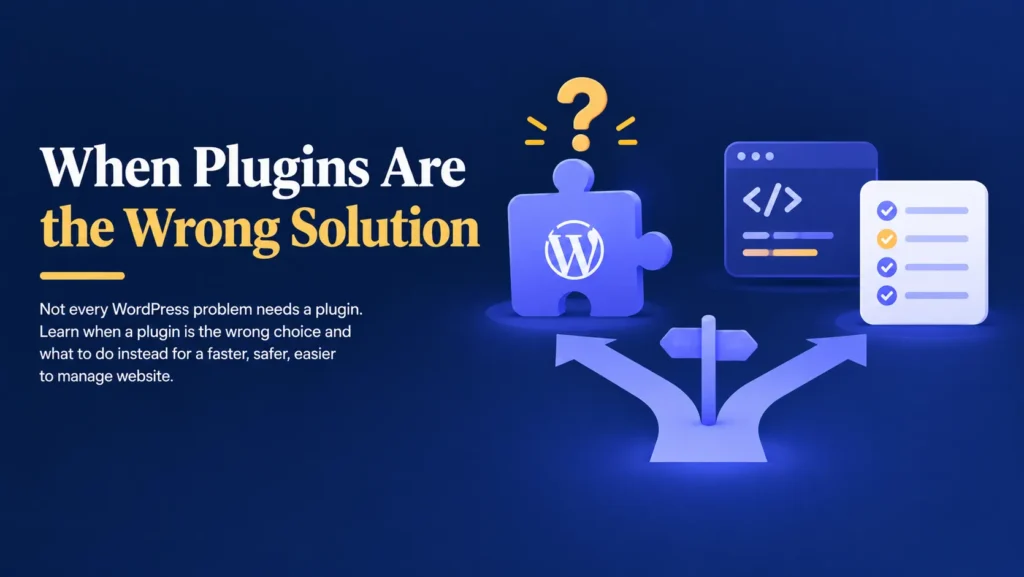
When something goes wrong on a WordPress website, the instinct is often the same.
Find a plugin that fixes it.
There is a plugin for speed, a plugin for security, a plugin for SEO, and a plugin for almost anything else you can imagine.
So when your website feels slow or something breaks, installing another plugin feels like a quick solution.
Sometimes it helps.
Sometimes it only hides the real problem for a little while.
Imagine your website loading slowly for months.
You install a caching plugin, and it helps a little.
A few weeks later, the slowness comes back.
You install a second plugin, then a third.
The website still struggles, and now it also feels heavier and harder to manage.
The plugins were never the problem.
The real issue was something underneath that no plugin could fix.
The good news is that once you understand the difference, you can stop guessing and start solving the actual problem.
Plugins Add Features, They Don’t Fix Foundations
A plugin is designed to add a specific feature or function to your website.
It is not designed to repair weak hosting, outdated code, or a poorly structured database.
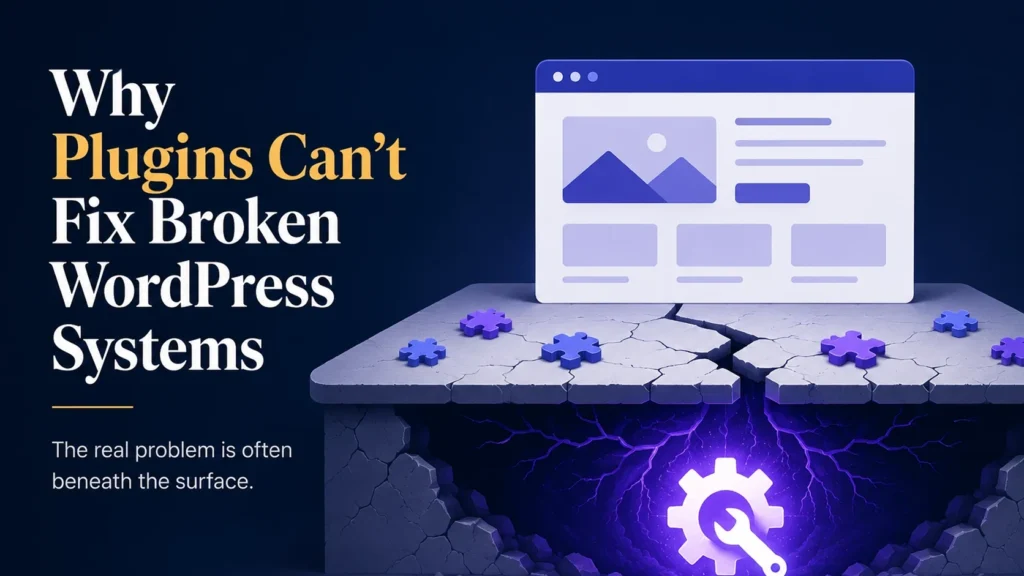
Think of your website like a house.
A plugin is like new furniture or a fresh coat of paint.
It can improve how a room looks and functions.
It cannot fix cracked foundations, faulty wiring, or a leaking roof.
If the structure underneath is weak, no amount of furniture will solve the real problem.
The same is true for your website.
Some issues are simply outside what any plugin was built to handle.
Common Problems That Plugins Cannot Solve
Business owners often reach for a plugin when the real cause lies somewhere else entirely.
Some of the most common examples include:
- Slow hosting that cannot handle your website’s traffic.
- Outdated or poorly written custom code.
- A bloated database filled with years of unused data.
- Conflicting plugins that were never designed to work together.
- A theme that was never built for your website’s needs.
- Missing technical maintenance, like regular cleanup and optimization.
A speed plugin cannot compensate for cheap, overloaded hosting.
A security plugin cannot fully protect a website built on outdated code.
These plugins can help, but they cannot replace fixing the actual cause.
Stacking Plugins Can Make the Problem Worse
When one plugin does not solve a problem, the instinct is often to add another.
Over time, this creates a website running many plugins that all try to manage the same underlying issue in different ways.
This can lead to:
- Plugins that conflict with each other.
- Slower loading times because of extra scripts and processes.
- A website that becomes harder to troubleshoot.
- Settings that quietly override each other.
- New bugs that did not exist before.
Instead of solving the original problem, you end up with a heavier website and a new set of issues layered on top of it.
WooCommerce Websites Feel This the Most
If you run an online store, relying on plugins to patch a broken system carries even greater risk.
WooCommerce already places heavy demands on your hosting, database, and code.
Adding plugin after plugin to manage slow checkout pages or database strain often treats the symptom while the real cause continues to grow underneath.
Imagine a customer trying to complete a purchase during a busy sale.
The checkout page struggles because of unoptimized hosting, not because you are missing another plugin.
The customer gives up and leaves.
You lose the sale, and possibly the customer.
For WooCommerce websites, solving the actual cause matters far more than adding another tool.
Not Every Problem Is Visible on the Surface
A common misconception is that if your website looks fine, everything underneath must be fine too.
Unfortunately, that is not always true.
Some of the most damaging issues remain hidden until they cause a bigger failure.
For example:
- A bloated database slowly reduces your website’s speed over months.
- Outdated code becomes a security gap that attackers eventually find.
- Weak hosting struggles silently until a busy day causes it to crash.
- A poorly built theme creates layout issues only certain visitors notice.
- Small inefficiencies build up until your website feels permanently slow.
These problems often continue growing quietly while plugins are added on top to manage the symptoms.
Why Professionals Diagnose Before They Install
Experienced WordPress developers rarely install a plugin as a first response.
Instead, they carry out a proper diagnosis of the website.
A diagnosis looks past the symptom to find the actual cause of a problem.
During a diagnosis, developers can:
- Review your hosting environment and server resources.
- Check your database for unnecessary bloat.
- Inspect your theme and custom code for inefficiencies.
- Identify plugins that overlap or conflict with each other.
- Test your website’s real performance, not just how it looks.
- Recommend a fix based on the actual cause, not a guess.
Once the real problem is found, the right solution is often simpler and more effective than another plugin would ever be.
Backups Give You a Safety Net
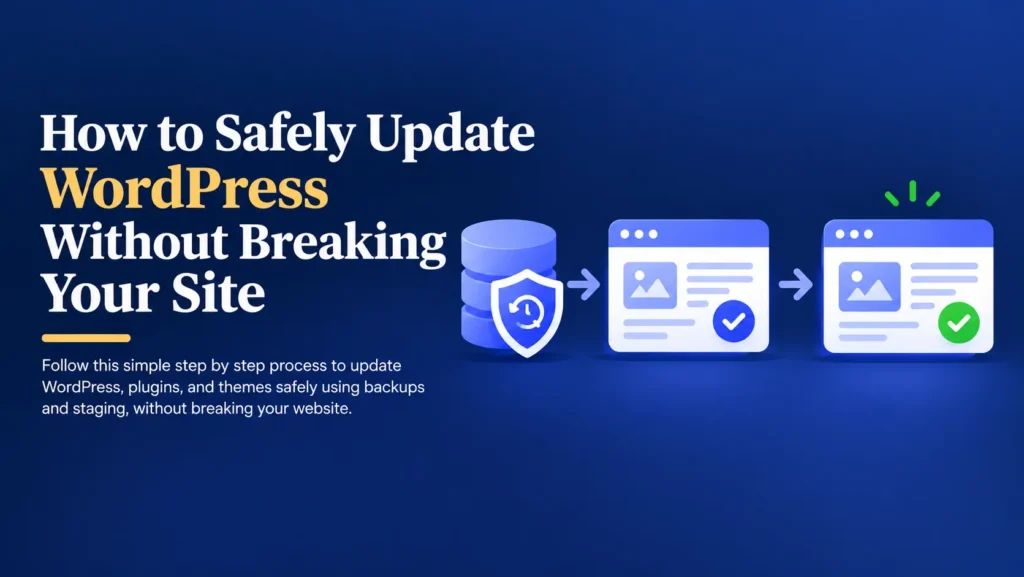
Fixing an underlying issue, whether it involves hosting, code, or your database, should always begin with a complete backup.
A backup is a copy of your website that includes:
- Pages and posts.
- Images and media files.
- The database.
- Plugin settings.
- Theme files.
If something unexpected happens during a fix, you can restore your website to the way it was before the change.
Without a backup, recovering from a deeper technical issue can be difficult, expensive, and time consuming.
Backups do not prevent problems.
They give you a quick way to recover from them.
A Better Approach Than Adding Another Plugin
Solving a real website problem does not need to be complicated.
It simply requires a clear process.
- Create a complete backup.
- Diagnose the actual cause of the problem.
- Review hosting, code, and database health.
- Remove plugins that are masking the real issue.
- Apply a fix that addresses the root cause.
- Test your website’s important pages and features.
- Monitor performance after the fix is applied.
This process takes a little more effort, but it leads to a lasting solution instead of a temporary patch.
Simple Ways to Avoid Relying on Plugins Alone
- Choose hosting that matches your website’s actual needs.
- Keep your database clean and free of unnecessary data.
- Review custom code for outdated or inefficient practices.
- Ask why a problem is happening before installing a new plugin.
- Schedule regular technical checkups for your website.
- Work with a developer when a problem keeps returning.
These small habits can prevent years of patching the same problem again and again.
Final Thoughts
Plugins are valuable tools, but they were never meant to fix everything.
Relying on them to patch a broken system often hides the real problem instead of solving it.
Ignoring the root cause can lead to slower performance and bigger failures over time.
The safest approach is simple.
Back up your website.
Diagnose the actual cause of the issue.
Fix the foundation, not just the symptom.
Your website supports your marketing, your customer enquiries, and in many cases, your revenue.
Solving the real problem helps keep your business running smoothly for the long term.
Still Patching the Same Problem With Plugins?
Find the Real Cause and Fix It for Good
If you’re tired of installing plugin after plugin without lasting results, I’d be happy to help you find and fix the actual issue.