
Introduction
Speed is one of the most talked about topics in website maintenance.
A fast website keeps visitors engaged, ranks better in search results, and helps convert more leads and sales.
So when a website feels slow, installing a caching plugin or a speed optimization tool feels like the natural first step.
Sometimes it solves the problem.
Sometimes the improvement is small, temporary, or barely noticeable.
Imagine installing a caching plugin and seeing a quick improvement.
A few weeks later, the website feels slow again.
You try another speed plugin, adjust a few settings, and see another small bump.
Then the slowness returns once more.
The plugins were never the real problem.
The real risk comes from expecting a speed tool to fix something it was never designed to solve.
The good news is that once you understand what speed optimization can and cannot do, you can finally target the actual cause.
What Speed Plugins Are Actually Designed to Do
Speed and caching plugins are genuinely useful tools.
They store a ready made version of your pages, compress files, and reduce some of the work your website has to do for every visitor.
What they cannot do is change the environment your website is built on.
A speed plugin cannot upgrade your hosting.
It cannot rewrite inefficient code.
It cannot clean years of unused data sitting in your database.
These tools work best when the foundation underneath is already solid, improving what is already reasonably efficient rather than repairing something fundamentally strained.
Weak Hosting Limits What Optimization Can Achieve
Hosting is one of the most overlooked causes of a slow website.
If your hosting plan cannot handle your traffic, your plugins, or your media files, no amount of caching will fully solve the problem.
Signs that hosting may be the real cause include:
- Your website slows down noticeably during busy periods.
- Speed improves briefly after a fix, then fades again.
- Server response times remain high even with caching enabled.
- Other websites on the same hosting plan also run slowly.
This is similar to the pattern explored in why plugins can’t fix broken WordPress systems, where the real issue sits underneath the surface, in the hosting environment itself.
A Bloated Database Slows Every Page Down
Your WordPress database stores far more than your pages and posts.
Over time, it can fill up with post revisions, spam comments, expired transients, and old plugin data that is no longer needed.
A bloated database forces your website to search through unnecessary information every time a page loads.
This slows down:
- Your homepage and key landing pages.
- Product and category pages on WooCommerce websites.
- Your website’s admin dashboard.
- Search and filtering features.
A caching plugin can mask this slowdown for logged out visitors, but it does not resolve the underlying bloat, which continues to grow the longer it goes unaddressed.
Outdated Code and Heavy Design Add Their Own Weight
Custom code, outdated plugins, and heavy design elements all place demands on your website that speed tools cannot fully offset.
This connects closely to the habits described in why page builders can slow down a website, where nested sections, uncompressed images, and unused add ons quietly increase how much work your website has to do.
No matter how well configured your caching is, a page loaded with unnecessary scripts and styles will always be harder to speed up than a lean, well built one.
WooCommerce Websites Feel This Gap the Most
If you run an online store, relying on speed plugins alone carries even greater risk.
WooCommerce already places heavy demands on your hosting and database through products, orders, and customer accounts.
Speed tools can help, but they cannot fully compensate for a hosting plan that cannot handle the load or a database filled with years of order history that was never cleaned up.
Imagine a customer trying to browse your store during a sale while your server struggles under the traffic.
Caching helps to a point, but the underlying strain remains.
Pages slow down, and some customers give up before completing a purchase.
For WooCommerce websites, real speed depends on the whole system working well together, not one tool carrying the load alone.
Not Every Slowdown Is Visible in a Speed Test
A common misconception is that if a speed test score looks acceptable, the website must be performing well for every visitor.
Unfortunately, that is not always true.
Some performance issues only appear under real conditions.
For example:
- A website scores well on a test but slows down under real traffic.
- Caching hides slowness for most visitors but not for logged in users.
- Database bloat grows quietly until it affects search and filtering.
- Mobile visitors experience delays that a desktop test does not capture.
Relying on a single test result can create a false sense of security while deeper issues continue to build.
Why Professionals Diagnose Before Optimizing
Experienced WordPress developers treat speed optimization as one part of a larger picture, not a standalone fix.
Instead of installing tool after tool, they diagnose the actual cause first.
This can include:
- Reviewing hosting performance under real traffic conditions.
- Cleaning and optimizing the database.
- Auditing plugins and code for unnecessary weight.
- Testing real visitor experiences, not just automated scores.
- Applying caching and optimization tools as a final layer, not the only fix.
This approach mirrors the same principle behind small UX issues that reduce website trust, where lasting improvements come from addressing root causes rather than surface level symptoms.
Backups Give You a Safety Net
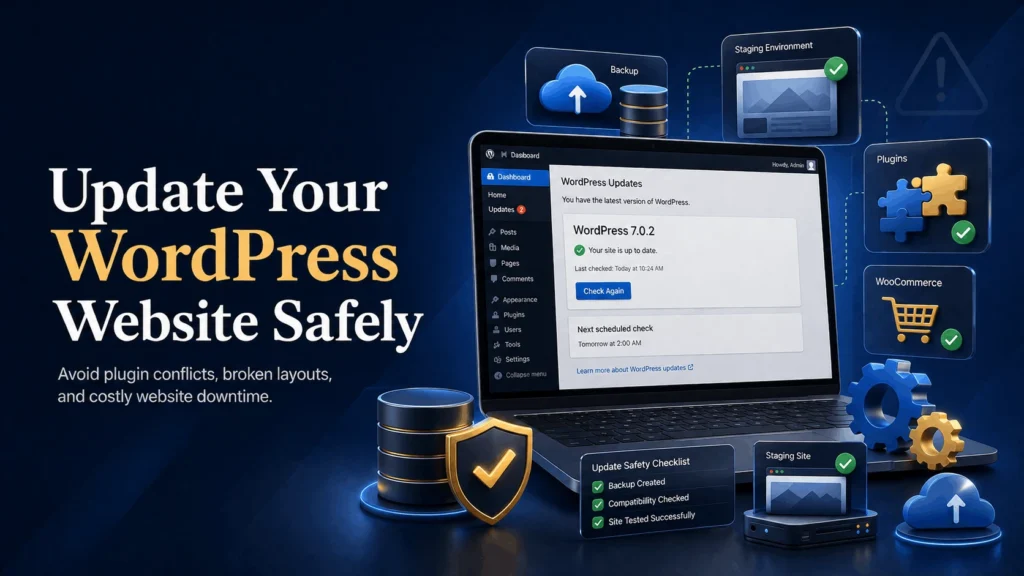
Making deeper changes, whether that means switching hosting, cleaning your database, or removing heavy code, should always begin with a complete backup.
A backup is a copy of your website that includes:
- Pages and posts.
- Images and media files.
- The database.
- Plugin settings.
- Theme files.
If something goes wrong during optimization, you can restore your website to the way it was before the change.
This is especially important since making changes directly on a live website without testing carries its own risks, separate from the optimization itself.
Backups do not prevent problems.
They give you a quick way to recover from them.
A Complete Approach to Real Website Speed
Improving your website’s real performance does not need to be complicated.
It simply requires looking at the full picture.
- Create a complete backup.
- Test your website’s performance under real conditions, not just a single score.
- Review your hosting plan against your actual traffic and needs.
- Clean and optimize your database.
- Audit plugins, themes, and code for unnecessary weight, as outlined in why too many plugins cause WordPress issues.
- Apply caching and speed tools as a final optimization layer.
- Test again to confirm the improvement holds under real use.
This process takes more effort than installing a single plugin, but it leads to speed improvements that actually last.
Simple Ways to Support Real Speed Improvements
- Choose hosting that matches your website’s actual traffic and needs.
- Clean your database on a regular schedule.
- Remove plugins and code you no longer use.
- Test performance under real conditions, not just automated scores.
- Treat caching as a final step, not the first and only fix.
- Review your website’s full setup at least once a year.
These habits help your website stay fast in a way that holds up over time, rather than improving briefly and slowing down again.
Final Thoughts
Speed optimization tools are valuable, but they were never designed to fix everything on their own.
Relying on them alone often hides a deeper issue instead of solving it.
Lasting speed comes from addressing hosting, code, and database health together, with optimization tools supporting that foundation rather than replacing it.
The safest approach is simple.
Back up your website.
Diagnose the real cause of slowness.
Fix the foundation, then optimize on top of it.
Your website supports your marketing, your customer enquiries, and in many cases, your revenue.
Solving the real problem helps keep your business running smoothly for the long term.
Still Slow After Trying Every Speed Plugin?
Find the Real Cause of Your Slow Website
If you’ve tried optimization tools without lasting results, I’d be happy to help you find and fix the actual issue.