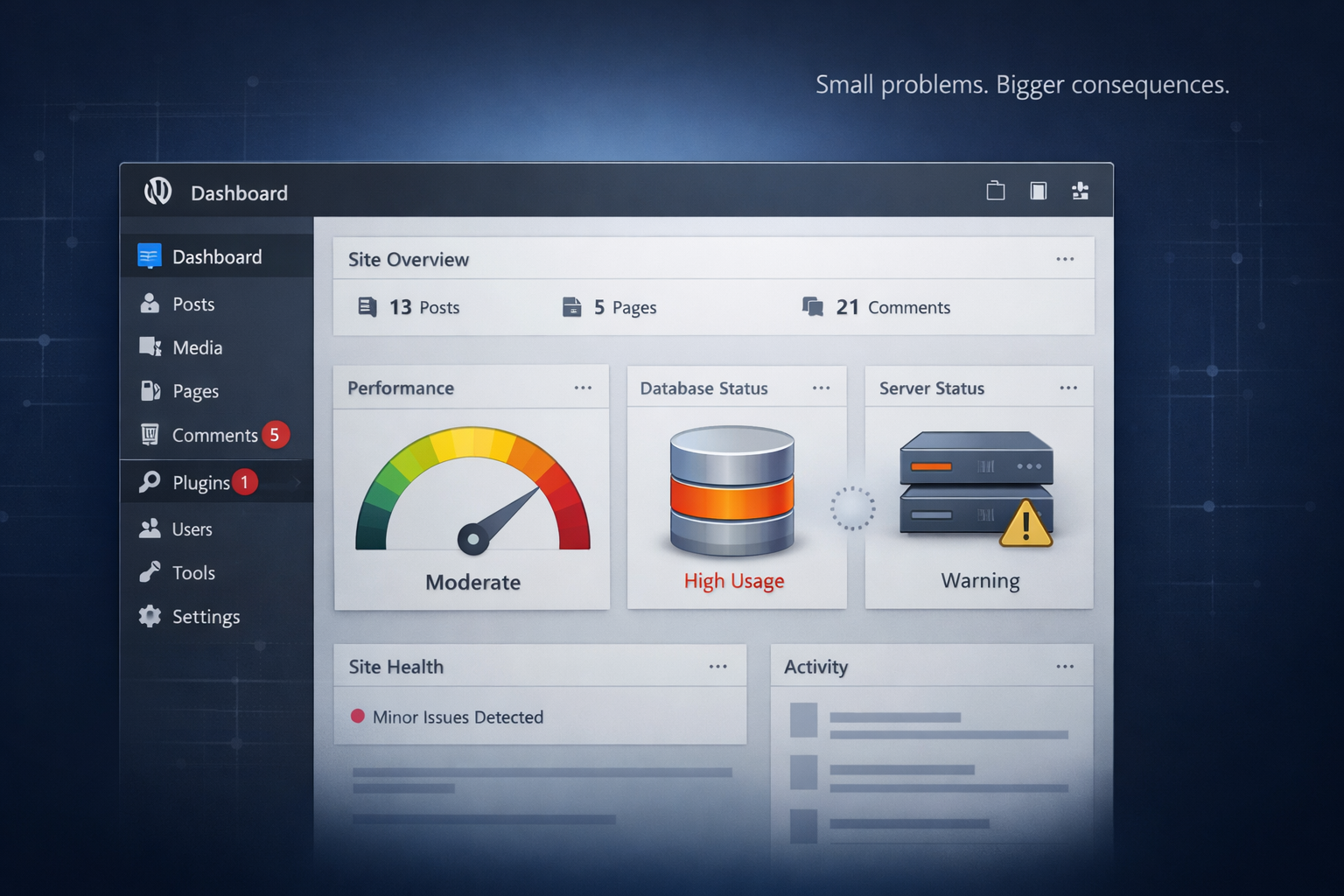
A WordPress website rarely becomes slow overnight.
In most cases, performance drops gradually.
The site that once felt fast and smooth slowly becomes:
- Sluggish
- Unstable
- Prone to errors
- Frustrating for users
The problem isn’t WordPress itself.
It’s what happens over time.
1. Plugin Bloat
WordPress makes it easy to add features.
- Need a form? Install a plugin.
- Need SEO? Install a plugin.
- Need popups? Install another plugin.
Over time, websites collect plugins like tools in a drawer.
The issues begin when:
- Plugins overlap in functionality
- Poorly coded plugins load heavy scripts
- Updates conflict with each other
- Old plugins remain inactive but installed
Every plugin adds code. More code means more processing. And eventually, that slows everything down.
2. Unoptimized Hosting
Many websites start on cheap shared hosting.
It works at the beginning. But as traffic grows, so does server load.
Common hosting-related problems:
- Slow server response time
- Limited memory
- CPU throttling
- Poor database handling
When the server struggles, the site feels unstable — even if the design is fine.
3. Database Clutter
Over time, WordPress databases fill up with:
- Post revisions
- Expired transients
- Spam comments
- Old plugin tables
- WooCommerce session data
This creates unnecessary database weight.
A heavy database increases query time. Slower queries = slower pages. And performance starts to degrade.
4. Theme & Custom Code Conflicts
Many websites evolve.
New developers work on them. Custom code gets added. Theme files are modified directly.
Years later, nobody remembers:
- Why that code was added
- Whether it’s still needed
- If it’s compatible with updates
Small technical debt builds up quietly. Eventually, one update breaks everything.
5. Media & Asset Overload
High-resolution images. Autoplay videos. Large background graphics.
They look good — but they cost performance.
Without proper optimization:
- Image compression
- Lazy loading
- CDN configuration
Page speed slowly declines. And users start noticing.
6. WooCommerce Complexity (If It’s an eCommerce Site)
WooCommerce adds dynamic functionality:
- Cart sessions
- Checkout processing
- Payment gateway communication
- Inventory updates
As order volume increases, database queries increase too.
Without optimization, stores become:
- Slow during checkout
- Prone to timeout errors
- Vulnerable to failed payments
That’s where revenue risk begins.
7. Lack of Maintenance Strategy
The biggest reason websites become unstable over time?
No structured maintenance process.
Many businesses:
- Update randomly
- Skip staging environments
- Ignore backups
- React only when something breaks
Websites are not “set and forget” systems. They are living software environments.
Without proactive management, instability is inevitable.
How to Prevent Long-Term Slowdowns
Here’s what keeps WordPress sites fast and stable:
- Regular performance audits
- Plugin cleanup & consolidation
- Database optimization
- Staging before updates
- Reliable hosting infrastructure
- Monitoring early warning metrics
- Structured update & rollback process
Performance is not a one-time task. It’s a system.
Need a Website That Actually Converts?
Let’s Build Something That Works for Your Business
Your website shouldn’t just look good it should generate leads and sales. I design and develop high-performing, fast, and conversion-focused websites tailored to your goals.
Final Thoughts
WordPress doesn’t become slow on its own.
It becomes slow when complexity increases without structure.
Most performance problems are not dramatic failures. They are small technical decisions that compound over time.
The businesses that scale successfully treat their website like infrastructure — not just a design project.
And that mindset makes all the difference.